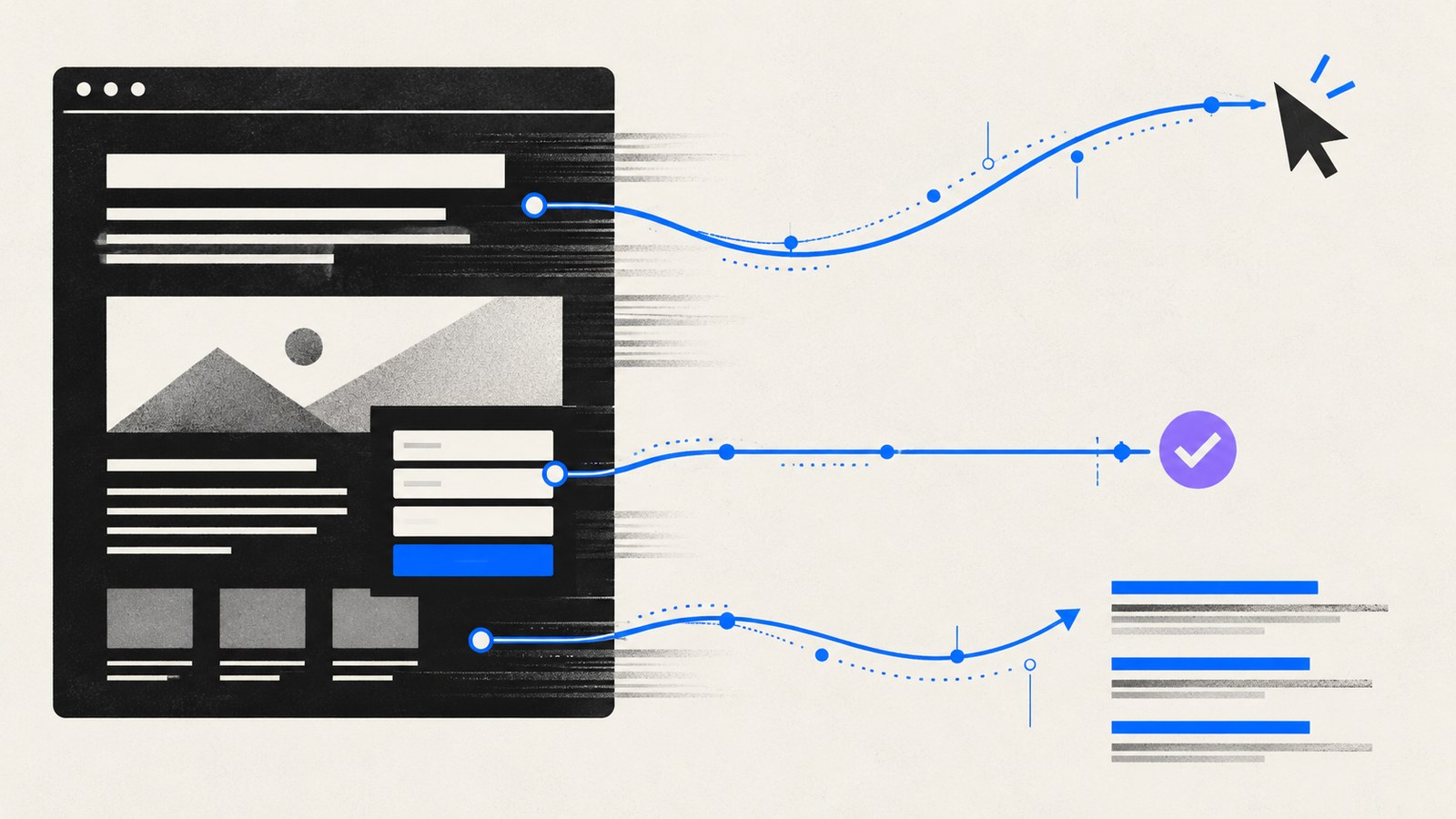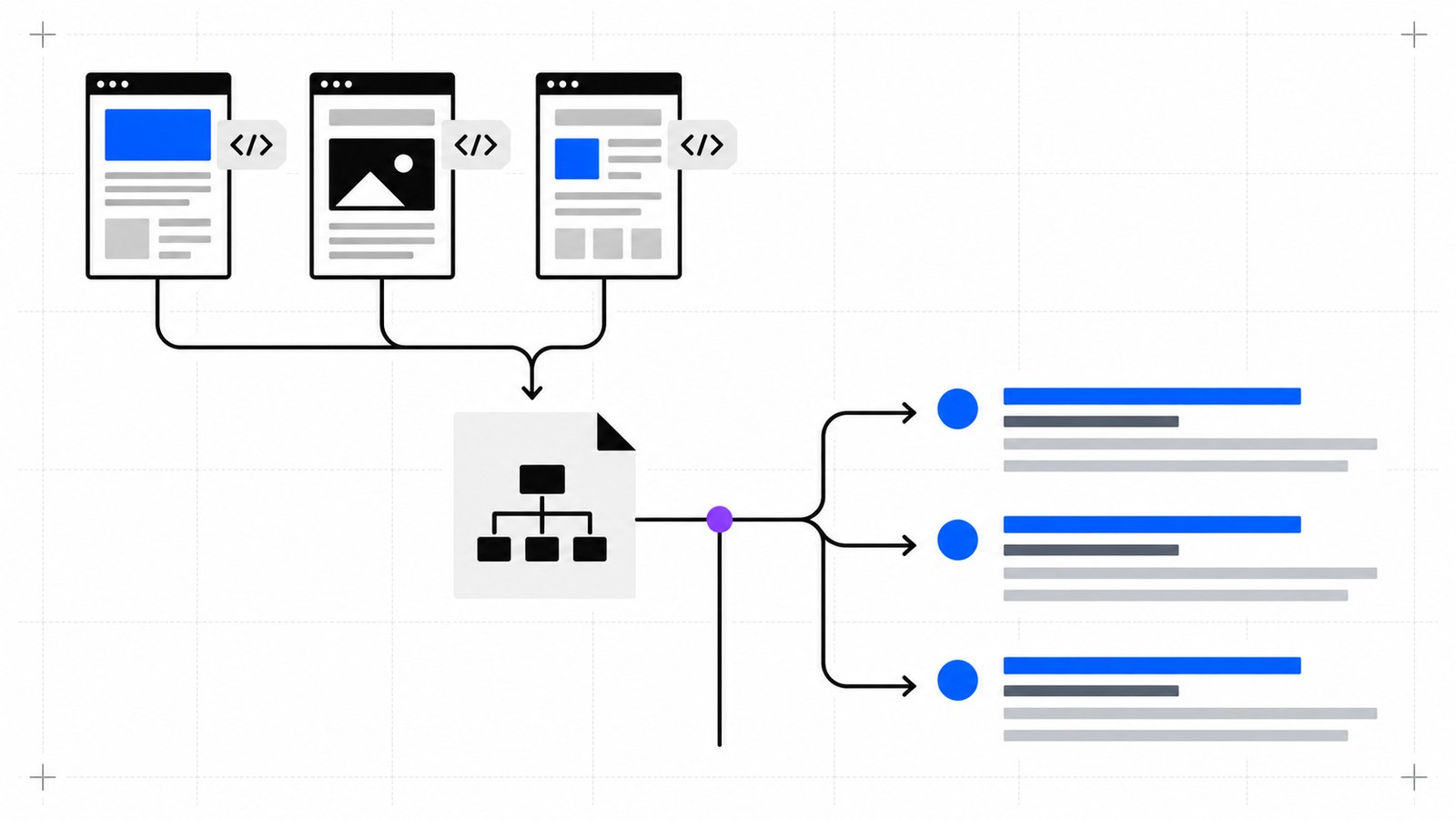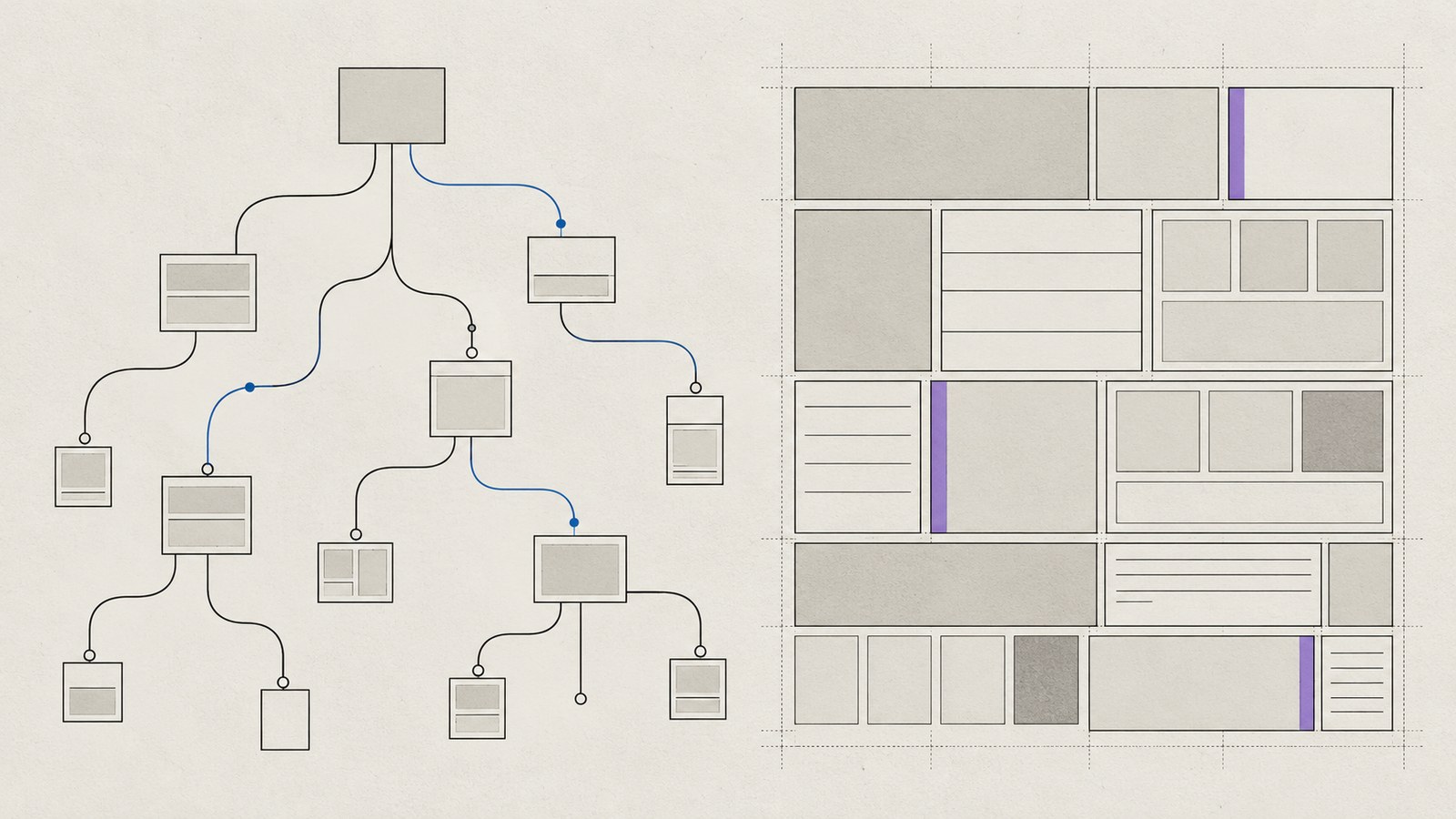
A website can look fast on your laptop and still make a customer wait on a mobile connection. Passing Core Web Vitals starts with a page that does less unnecessary work, then tests that reflect how visitors actually use it.
Treat the metrics as a way to locate friction. A score is useful evidence; a working menu, readable page and dependable enquiry form are the outcome.
Know what you are measuring
The current Core Web Vitals are Largest Contentful Paint (LCP), Interaction to Next Paint (INP) and Cumulative Layout Shift (CLS). The good thresholds are LCP at or below 2.5 seconds, INP at or below 200 milliseconds and CLS at or below 0.1, assessed at the 75th percentile of real visits, separately for mobile and desktop.
LCP concerns the arrival of the main visible content. INP concerns responsiveness when people interact. CLS concerns unexpected movement on the page. A new website without enough field data cannot truthfully claim a field pass just because Lighthouse looks good.
Design the first screen with a resource budget
Decide what must appear immediately: usually the headline, navigation, a primary action and perhaps one meaningful image. Question anything else competing for bandwidth or processing time.
For a service business, a clear static hero can do more useful work than an autoplay video that repeats the same message. When motion has a real design role, give it a lightweight fallback and respect reduced-motion preferences.
Create a simple asset list during design. Record the hero image, fonts, critical scripts and any third-party embeds. This makes later performance regressions easier to trace.
Fix loading before adding small optimizations
Deliver the right image
Export an image close to its displayed dimensions and provide responsive sizes for smaller screens. A mobile visitor should not need the desktop original. Include width and height so the browser can reserve space.
Load the visible hero image promptly. Lazy-load meaningful imagery further down the page. Check the rendered page to identify the actual LCP element; it may be text rather than the image you expected.
Keep fonts and scripts deliberate
Use the font families and weights the design needs. Avoid requesting the same font through several components. Check text remains readable while the font arrives.
Prefer HTML for content and native browser behavior for simple interactions. Load an interactive component on the pages that use it. A booking widget needed on one route does not belong on every article.
Make interaction cheap
Test opening the menu, changing a filter, submitting an invalid form and moving through a gallery. Slow interaction can come from large event handlers, repeated layout measurement or unrelated work sharing the main thread.
Keep immediate feedback simple. A button should visibly respond while a longer request is pending. Prevent accidental duplicate requests without making the whole page unresponsive. Break up expensive work and stop animation when its section is inactive.
Reserve space for changing content
Give images and embeds stable dimensions. Avoid inserting a banner above content after the visitor starts reading. Keep form status feedback close to the form and account for the space it may use.
A product gallery that changes height with each image is a practical example: the customer loses their place just as they reach the buying controls. A consistent image area improves stability and usability together.
Test, fix and repeat on representative pages
Test the homepage, a service page, a long article and the contact page on mobile and desktop. Use Lighthouse for repeatable lab diagnostics and PageSpeed Insights to inspect available field data. Record the tested URL, device mode, date and conditions.
After launch, watch real performance as content and integrations change. If a slowdown appears, compare it with recent changes before rebuilding everything. Astro website development can support a lighter foundation, but implementation choices still determine the result. Read why speed matters beyond a score and send your existing website for a focused starting point.