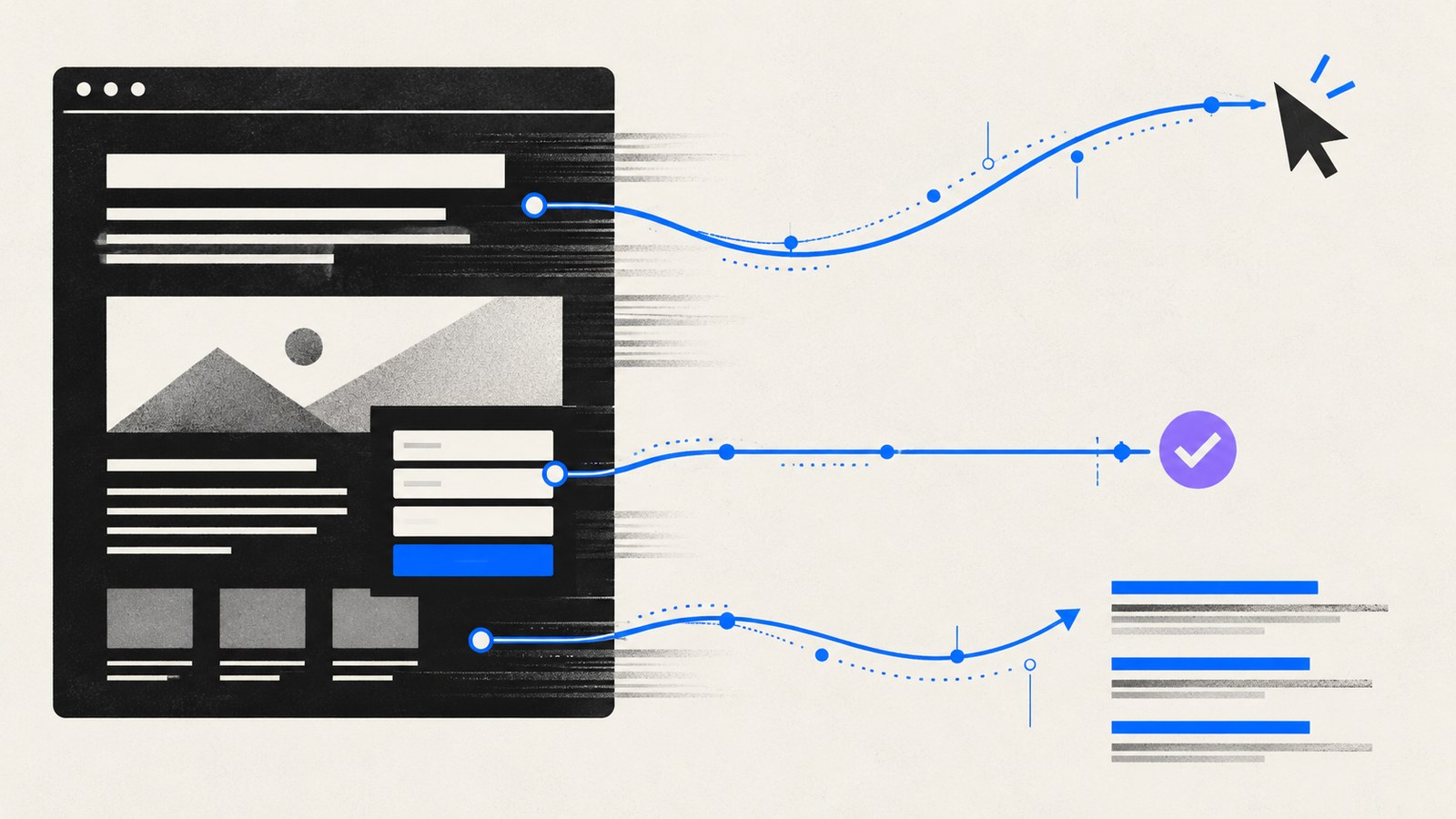
SEO launch work is a set of practical checks that help search engines access and understand the website. It is not a promise of rankings. The aim is to avoid preventable errors while publishing pages that answer useful questions.
Run this checklist against the built website and the real production responses. A correct setting in a source file does not prove the deployed page behaves the same way.
Confirm the final page inventory
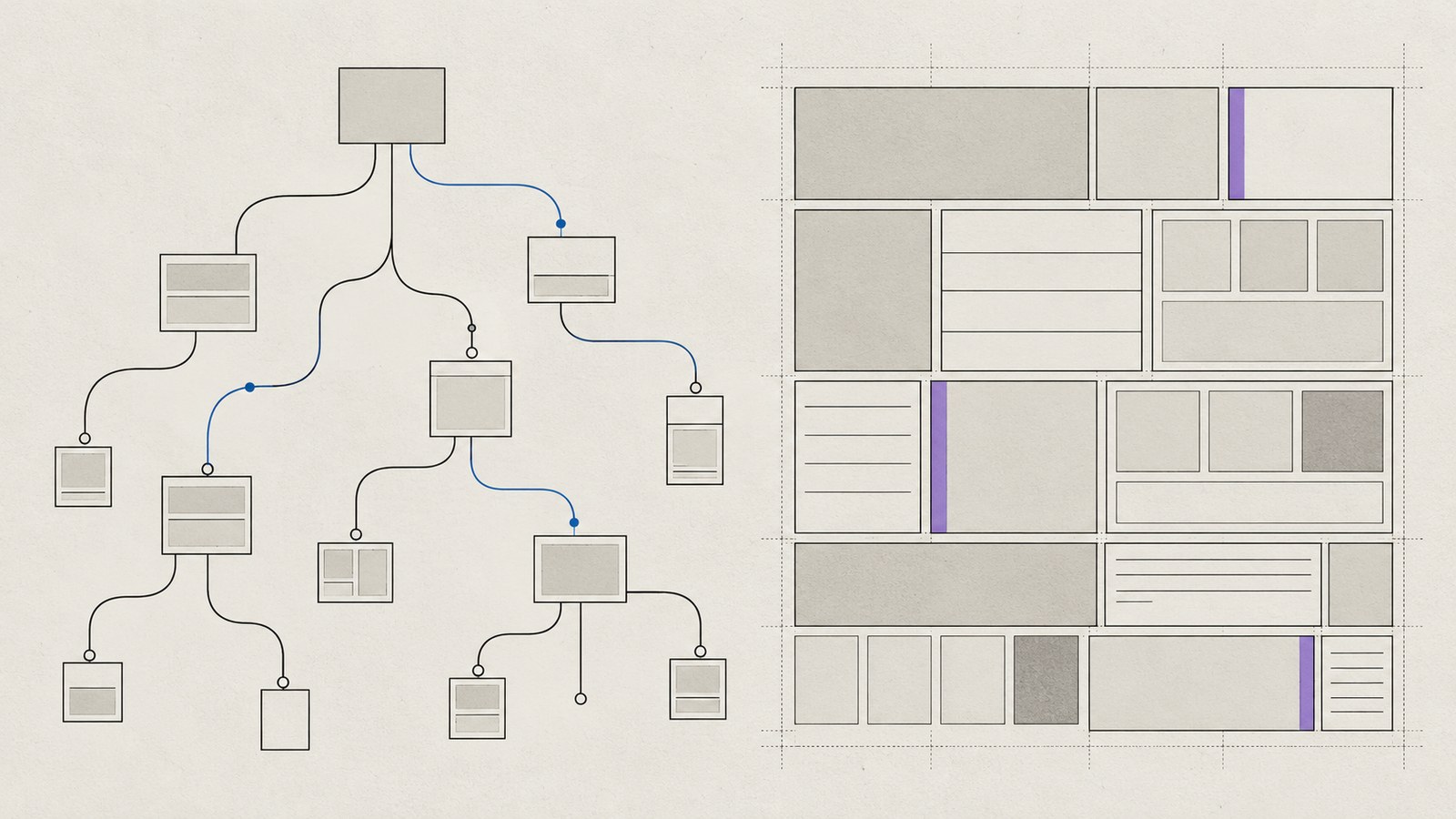
List every intended public URL and its purpose. Check that each contains finished, accurate content, a clear primary heading and a useful next step. Remove accidental placeholders from navigation and the sitemap.
Use a consistent URL convention. Prefer preserving useful existing URLs during a rebuild. The redesign checklist covers the content inventory behind this decision.
Check internal links point directly to final destinations. A working redirect should preserve an old external link, not become the default path for every new navigation item.
Verify production and staging indexing separately
Inspect the robots meta tag, response headers and robots.txt on the actual host. Public production pages should be crawlable and should not inherit a staging noindex header. Confirmation and private system pages need their own deliberate policy.
Keep staging protected without putting permanent staging directives into the production HTML. For sensitive material, use access controls; an indexing instruction is not security.
Google’s robots.txt introduction explains that robots.txt manages crawling and is not a dependable mechanism for excluding a URL from search. If a page must be excluded with noindex, the crawler needs to be able to see that instruction.
Check metadata and canonical URLs
Every public page needs a specific title and description that reflect its visible content. Review duplicate or missing values in the generated HTML.
Use absolute canonical URLs on the final production origin. Check they do not point to staging, an unrelated homepage or a redirected path. Google’s canonical guidance describes canonicalization as identifying the preferred version of duplicate or similar pages.
Add relevant Open Graph and Twitter card metadata, with a valid public image URL and useful alternative text where supported. Preview sharing behavior without assuming social metadata is a ranking shortcut.
Preserve moved pages with a migration map
For every changed URL, record the old URL, the destination and the action. Use a permanent redirect to the closest relevant replacement when content has moved. Check for chains, loops and blanket redirects that hide missing content.
Test a genuinely missing URL. It should return an appropriate 404 response and help the visitor find useful pages. A homepage returned with a success status is not a proper missing-page experience.
Keep the redirect map as an operational record after launch so later changes do not accidentally undo the migration.
Validate structured data and the sitemap
Use structured data that matches the page: a person profile, a service, a collection or an article where appropriate. Article authors, dates and images should be accurate. Do not invent ratings, prices or credentials to fill schema fields.
Google’s structured data introduction explains how markup helps describe a page. Valid markup does not guarantee a particular search appearance.
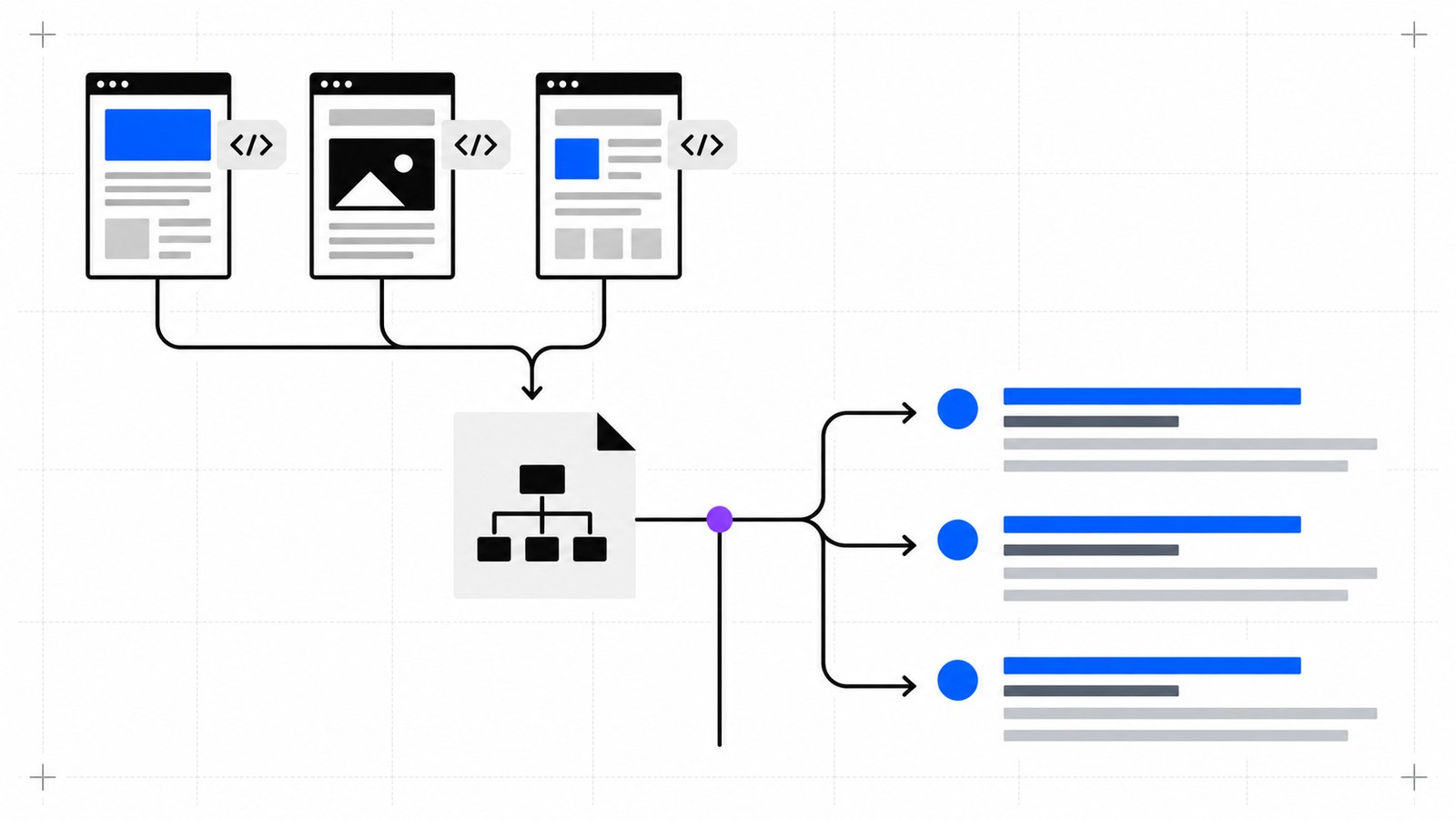
The sitemap should contain final, public, canonical pages and published articles. Exclude drafts, redirects, confirmation pages and intentionally noindex routes. Use genuine modification dates when available. Google’s sitemap overview also makes clear that a sitemap is a discovery aid rather than a guarantee of crawling or indexing.
Test mobile usability and performance
Check navigation, readable text, image dimensions and the primary visitor task on mobile. Use keyboard testing as well as automated accessibility checks. Verify form labels, validation, success feedback and the destination workflow.
Test representative routes for loading, interaction and layout stability. The Core Web Vitals article explains how lab checks differ from real visitor data.
Check that required CSS, scripts and images are available to crawlers. Do not remove meaningful functionality just to improve a test score.
Assign the post-launch checks
With the owner’s verified Search Console access, submit the sitemap and inspect important URLs. Monitor indexing reports, missing pages and available field performance data. Investigate changes with their actual dates and deployment history.
Keep analytics IDs and verification settings tied to real accounts. If access is unavailable, record the owner action instead of inventing a configuration.
KEYDIV’s website services include SEO foundations within a wider build process. Share the site and proposed launch to identify what can be verified now and what needs production access.