A business website can be excellent on Astro or WordPress. A poor fit usually appears later: simple content changes need developer help, plugins overlap, or a supposedly lightweight site has acquired a large application it never needed.
Before comparing features, write down three things: who publishes content, what visitors need to do, and who looks after the website. These answers are more useful than a general claim that one platform is better.
Understand the different starting points
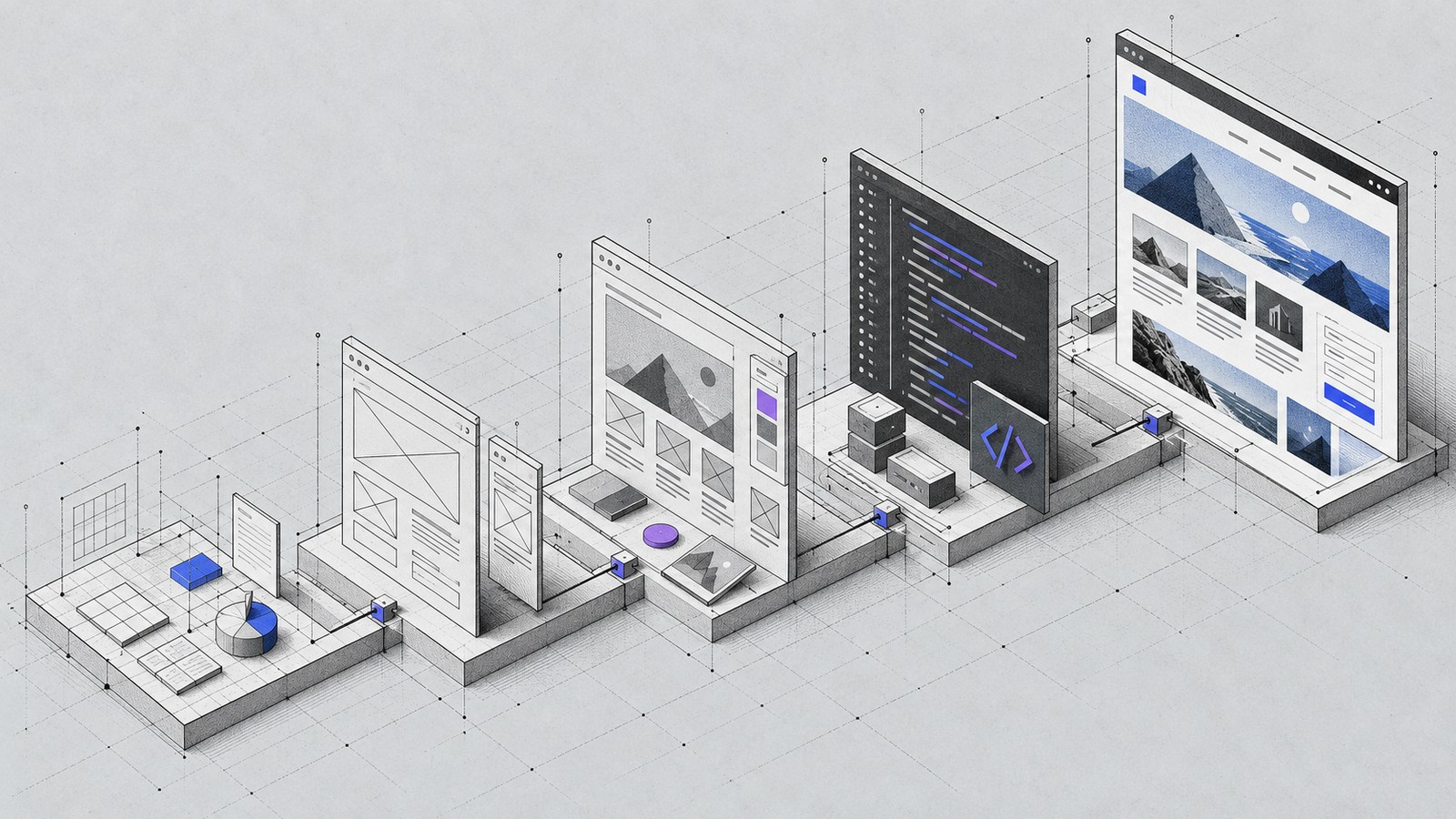
Astro is a framework for building websites. WordPress is a content management system with an editing interface and an ecosystem of themes and plugins. They solve overlapping problems, but their default working models differ.
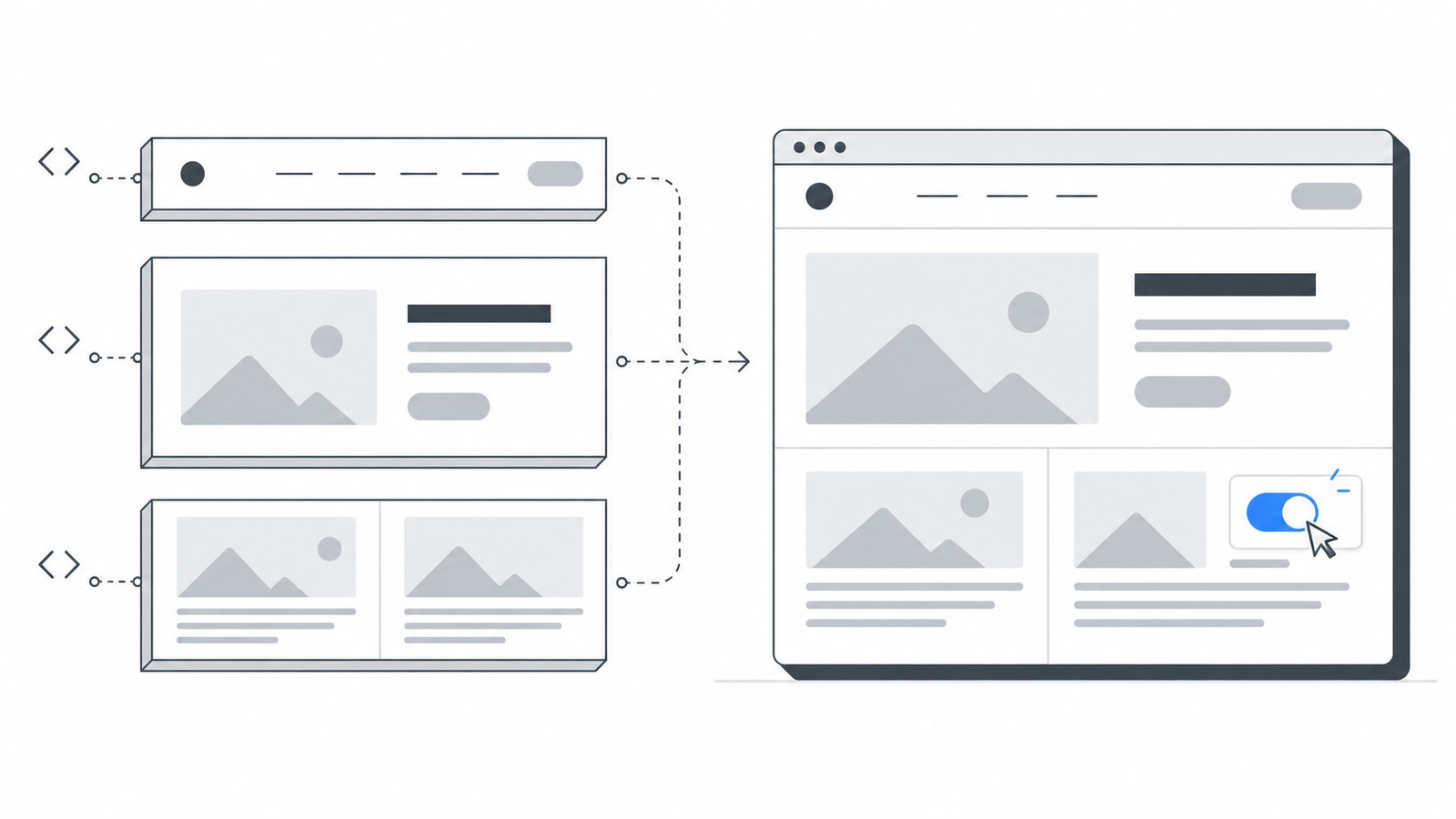
Astro can generate pages ahead of time, then add browser interaction where it is useful. Its islands architecture keeps interactive components separate from the surrounding HTML. A quote form or product filter can be interactive without turning every page into a client application.
WordPress provides publishing and administrative tools out of the box. A team that regularly edits service pages, manages contributors or uses established WordPress integrations may value that more than a different frontend architecture.
Neither platform removes the need for good content, accessible design, image optimization or a clear maintenance plan.
Match the platform to everyday work
When Astro is a strong fit
Consider Astro for a brochure website, focused marketing site, portfolio or content site whose publishing process can include a build. It suits projects where you want deliberate control over design and the amount of browser JavaScript.
For example, a small consultancy with eight service pages and an occasional article may be comfortable with a simple content workflow and managed development. If nontechnical editing is essential, include an appropriate CMS in the scope rather than assuming the framework supplies one.
When WordPress is a strong fit
Consider WordPress when a team needs a familiar visual editor, frequent publishing or functionality already supported by a suitable plugin. An existing, healthy WordPress site is also a reason to consider improving what is there.
A training company might need several editors, course announcements and an established booking integration. Retaining those workflows can matter more than switching technologies. WordPress design and development should begin with those requirements, not a predetermined theme.
Compare ownership, not just build cost
| Decision | Astro project | WordPress project |
|---|---|---|
| Publishing | Define Markdown or a connected CMS workflow | Define editor roles and usable page patterns |
| Maintenance | Framework, build tooling and integrations | Core, theme, plugins, hosting and integrations |
| Custom functionality | Build or connect only what is required | Assess plugins before adding custom development |
| Handoff | Document builds, content changes and deployment | Document editing, updates, backups and recovery |
Ask for a scope that includes maintenance, content entry, hosting assumptions and access ownership. A low initial quote can become expensive if nobody can safely make a small change.
Avoid a migration without a reason
Moving a slow WordPress website to Astro may help reduce unnecessary frontend work. It will not repair unclear messaging, weak navigation or missing product information by itself. A well-built WordPress site can also be fast.
Audit the current site first. Identify the actual bottlenecks and the functions that must survive. Preserve useful URLs and plan content migration, redirects and form delivery before replacing the system. The redesign checklist explains that preparation.
Make the decision with a short brief
List the essential pages, editing frequency, integrations, interactive features and maintenance owner. Then compare two realistic proposals against that same brief. If both meet the needs, choose the workflow your business can sustain.
For a new static-first build, explore high-performance Astro websites. For an existing WordPress site, first decide whether it needs repair or a rebuild. You can share your requirements with KEYDIV to work through the tradeoffs before committing to a platform.