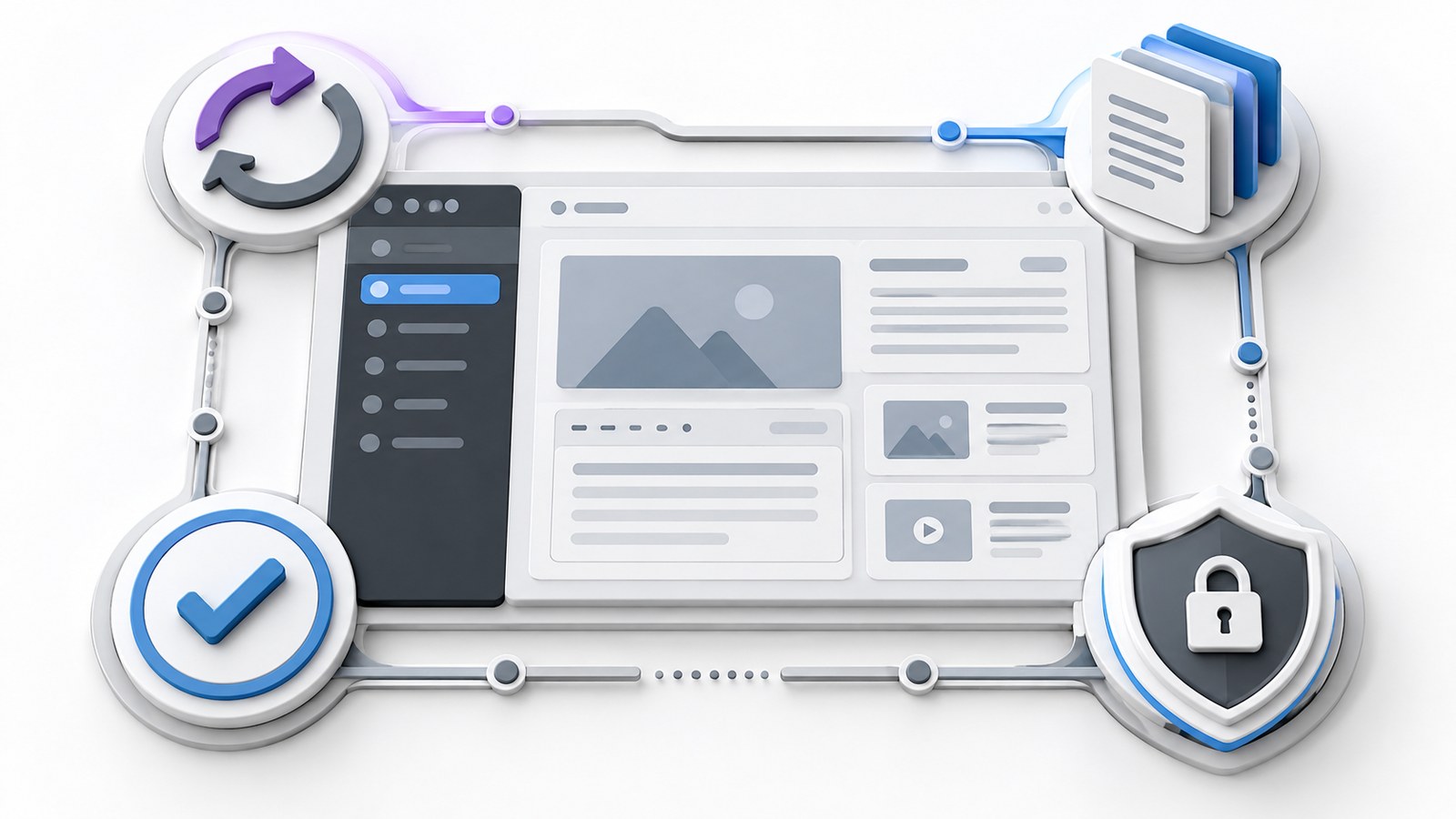
WordPress maintenance is more than clicking “update all.” A business website needs a routine that protects its content, checks important functions and gives someone responsibility when a problem appears.
You do not need to perform every technical task yourself. You do need to know what is covered, who owns it and what evidence confirms it has been done.
Begin with a usable backup and recovery plan
Ask where backups are stored, how often they run and how the site would be restored. Choose the schedule around acceptable data loss. A brochure site and a busy store have different recovery needs.
A typical WordPress recovery requires both the database and site files, as the WordPress backup handbook explains. A downloaded theme is not a complete backup of pages, uploads and business data.
Arrange a restore test in a separate environment. Record the outcome and the person who can carry out recovery. Keep a copy independent of the live site’s storage, with appropriate access controls.
Update with a way back
Review core, theme and plugin updates. Before significant changes, check compatibility notes and take a current backup. Use a staging copy for changes that could affect a critical booking, checkout or form workflow.
After updating, test the public site and editor. The official upgrading guide includes backup and upgrade preparation; use it alongside the requirements of your hosting environment and extensions.
Do not leave an update indefinitely because nobody wants to test it. Equally, do not assume an automatic update proves that every business function still works. Define which changes need review and how urgent fixes are handled.
Check the customer journey regularly
Create a short list of checks specific to your business:
- Open key pages on a phone and confirm navigation works.
- Check contact information, opening details and primary links.
- Test form validation and review delivery logs without sending unapproved live enquiries.
- Check booking or checkout using a controlled test environment.
- Open important downloads and verify redirects from old URLs.
If you authorize a live delivery test, label it clearly and coordinate with the recipient. A test that creates a real order or sales task needs a plan for removing it.
Review access and unnecessary software
Keep an account list. Remove access that former contributors no longer need, give people the minimum role appropriate for their work and protect administrative accounts with the available authentication controls.
Inventory plugins by purpose. If several plugins solve the same problem, assess which is needed before removing anything. A plugin that looks unused may still supply a shortcode, form or scheduled process.
Keep licenses and support ownership clear. Maintenance reduces risk; it cannot promise that a website will never be compromised or unavailable.
Watch performance and content health
Review representative pages after new plugins, tracking or large images are added. Compare like-for-like tests rather than treating every score fluctuation as a new fault.
Check broken links, expired offers, stale team details and inaccurate service information. Give important pages a named reviewer. Content maintenance is part of site reliability because visitors act on what the website tells them.
Read why website speed matters for the visitor impact behind the technical checks.
Keep a maintenance record
For each maintenance session, record the date, changes, backup reference, checks performed and unresolved issues. Separate routine work from improvements that need a quote. Define how a business owner reports an urgent problem and what information helps diagnosis.
A useful report says “form delivery checked in staging after the update,” rather than just “site optimized.” Ask your provider for that level of clarity.
Decide when routine care is no longer enough
Repeated failures may point to unsupported software or an overly complex build. Use the repair versus rebuild guide before adding another workaround.
KEYDIV’s WordPress maintenance and support can cover a defined care workflow and ongoing improvements. Share the website and current problems to establish what needs attention first.