A store rarely becomes slow in one change. More products arrive with larger images, additional filters, new marketing tools and extra integrations. Each addition seems small until a customer opens a category page and waits for all of them.
Keep performance manageable by giving every page a clear loading responsibility and reviewing changes against a baseline.
Measure a buying journey, not only the homepage
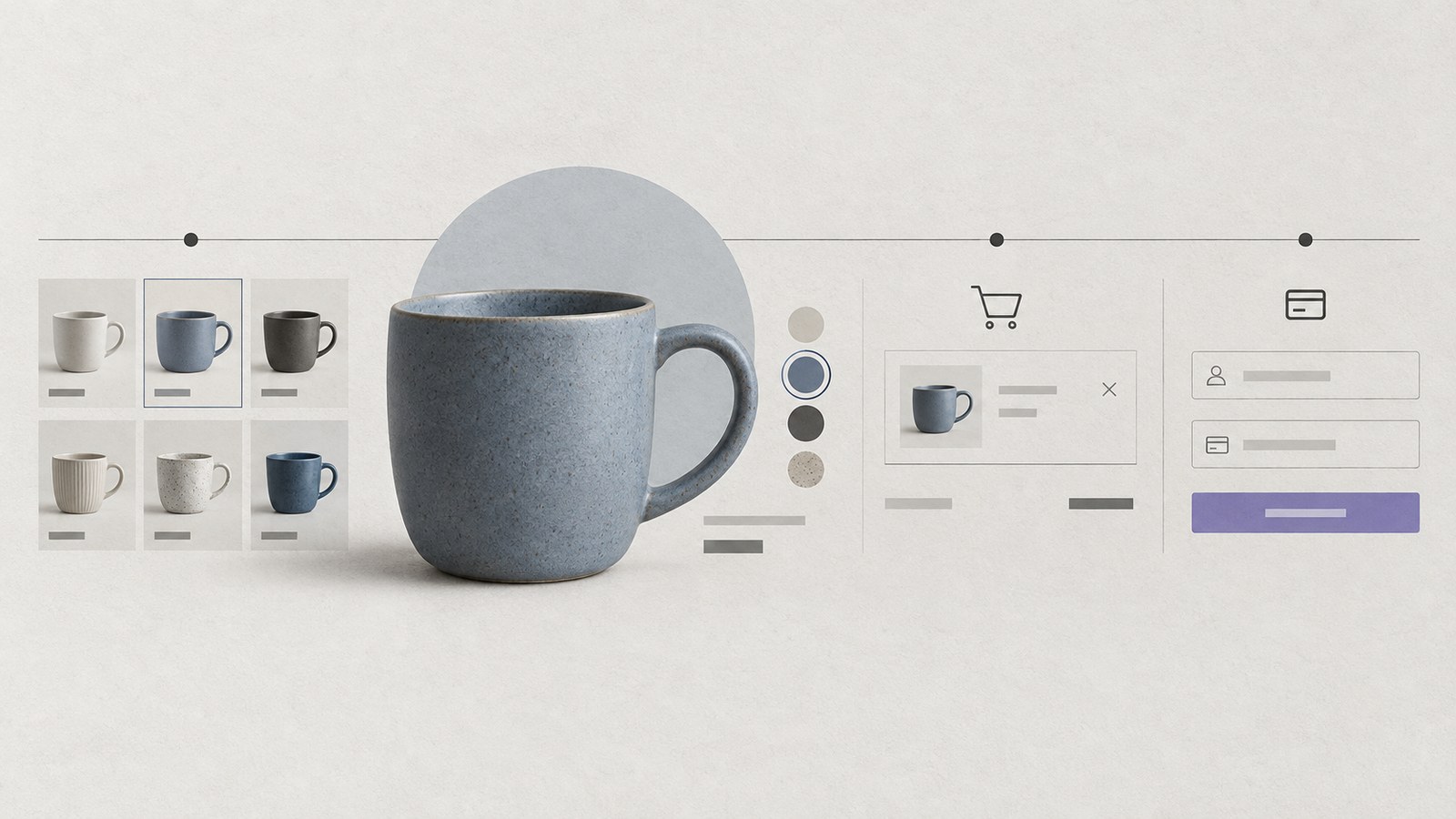
Choose representative routes: a large category, a product with variations, search results, cart and checkout. Test on mobile as well as desktop. Include a customer with items already in the cart, because that experience may behave differently from an anonymous browse.
Record the URL, device conditions and current integrations. When a regression appears, this record helps distinguish a new script problem from a different product image or a slow backend response.
The Core Web Vitals guide explains the loading, interaction and stability checks behind this process.
Give catalogue images a repeatable pipeline
Decide standard image dimensions and aspect ratios for category thumbnails and product galleries. Prepare suitable formats and responsive sizes rather than uploading the camera original directly to every slot.
Load the visible product image promptly. Defer gallery items and products further down the page when appropriate. Reserve their space to prevent movement as they arrive.
For example, a category with many products should not load every full-resolution gallery before the customer chooses one item. Thumbnails have a different job from a zoom image; supply assets for each role.
Document the upload process so future catalogue editors preserve the same discipline.
Keep category and search work bounded
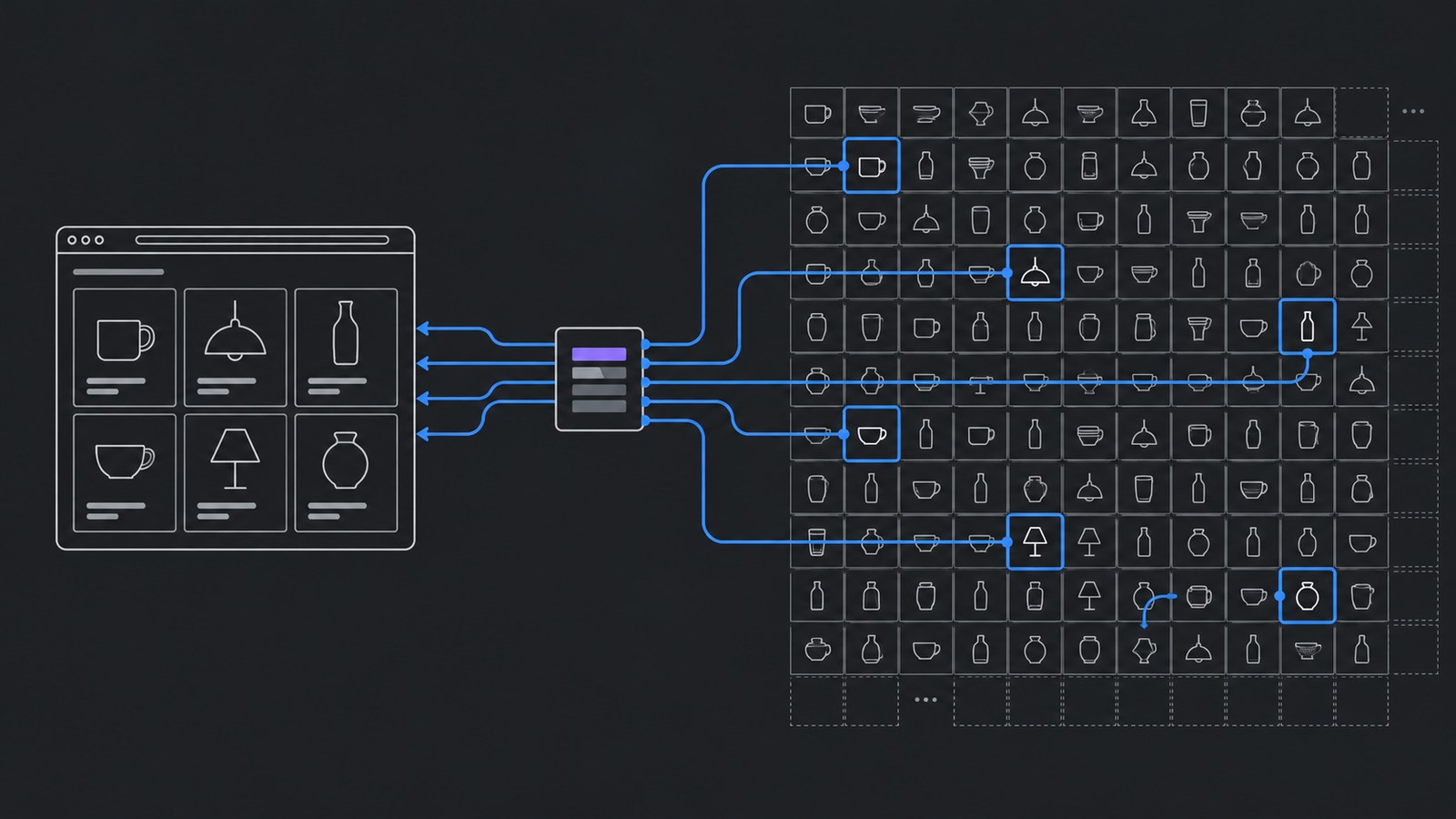
Choose a sensible page size and test the largest real category. If filters query the backend, make sure requests do not multiply unnecessarily with each control change. Show clear feedback while results update.
Avoid loading the complete catalogue into the browser merely to support a few filters unless the dataset and use case justify it. Growing product data can turn an initially convenient shortcut into a heavy experience.
Test empty results, combinations of filters and sorting. Performance fixes should preserve understandable product discovery; see the eCommerce UX guide.
Cache public information without caching private state
Public product imagery and shared catalogue pages may benefit from caching. Cart contents, account information and payment-related responses need a different policy. The HTTP Cache-Control reference explains how cache directives distinguish shared storage and response reuse.
Ask the implementation team to document cache exclusions and invalidation. Updating a price or stock level should have a defined path to the customer-facing page. Do not apply a blanket “cache everything” rule to a store.
Check logged-in and logged-out behavior separately. A page that is quick for an anonymous visitor does not prove account pages or checkout are safe to cache.
Make third-party tools earn their place
Keep an inventory of chat widgets, review tools, tracking, personalization and marketing scripts. Record their purpose, owner and pages where they are needed. Remove a tool only after confirming it is no longer part of a required workflow.
Load a tool where its function is useful. A checkout-specific integration does not automatically need to run on an editorial article. Recheck responsiveness when a new script is added, particularly on mobile.
For WooCommerce, include plugin, theme and hosting review in the maintenance plan. The WordPress care checklist provides a useful starting routine.
Plan capacity around real business events
If a campaign or sale will bring a different level of activity, agree on testing and monitoring before it starts. Include product updates, checkout behavior and backend integrations in that preparation, rather than testing only cached pages.
Keep a rollback route for substantial changes. Speed should improve alongside order reliability, not at its expense.
eCommerce development at KEYDIV includes the architecture and buying journey together. Share the slow routes and recent changes so the first fixes can target measured problems.