The best first automation is often an ordinary task somebody repeats every week: copying enquiries into a CRM, collecting updates for a report or drafting the same acknowledgement. Begin with the task, not a promise to add AI everywhere.
Useful automation has a clear trigger, an understandable outcome and a person responsible when it fails. AI can help with messy text, but many steps are better handled by straightforward rules.
Find a task worth automating
Write down the current process, including the exceptions. Record how often it happens, the time spent and what a mistake would cost. Choose a task with a stable input and an outcome you can check.
For example, receiving a website enquiry is a defined event. “Improve our sales process” is too broad for a first workflow. Narrow it to recording the enquiry, identifying the requested service and assigning a follow-up task.
Measure the existing process before claiming time saved. Count review and correction time as part of the automated version, not just the time it takes a system to run.
Workflow one: triage incoming enquiries
Problem: someone reads every form submission and manually forwards it to the right person.
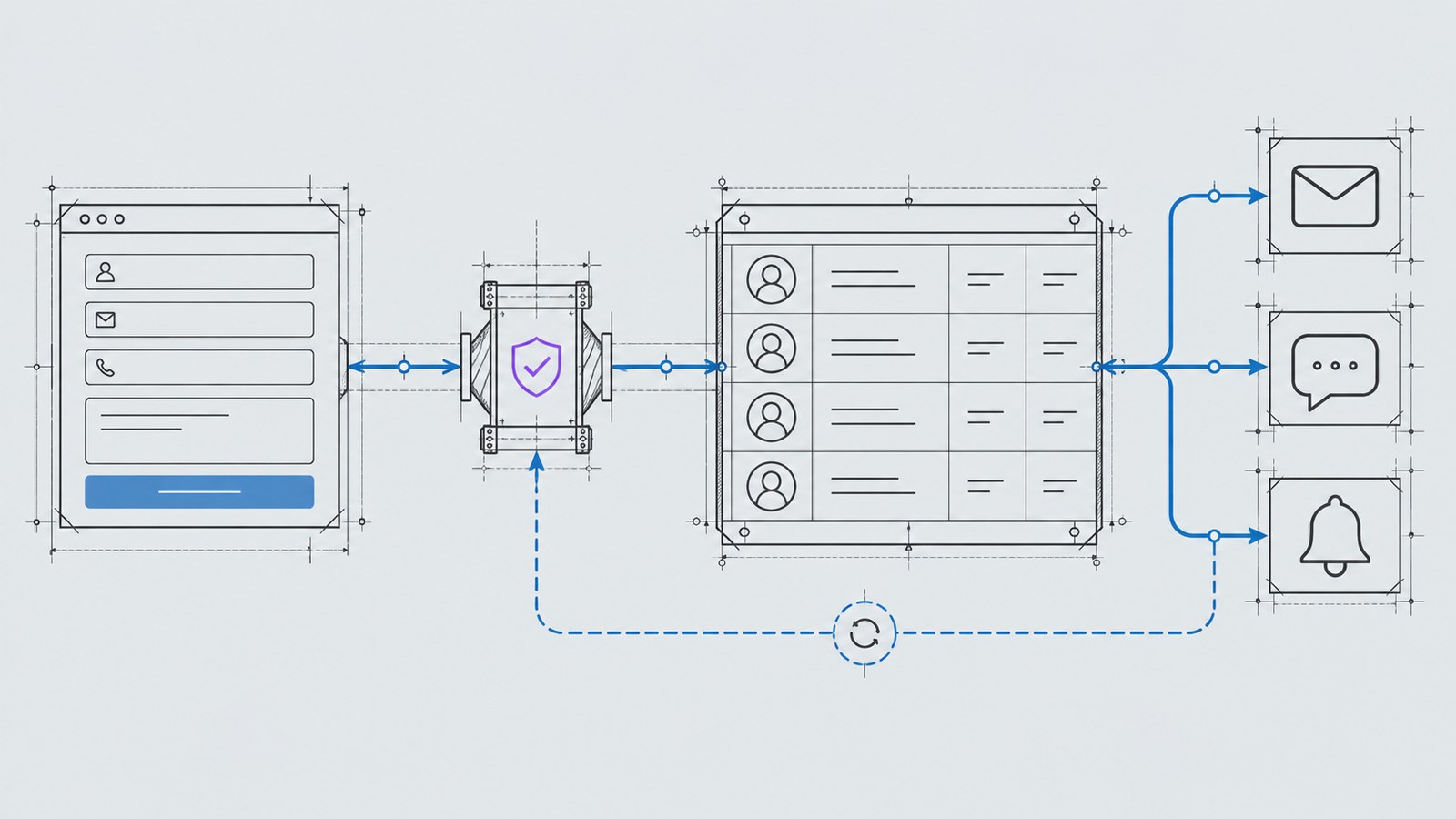
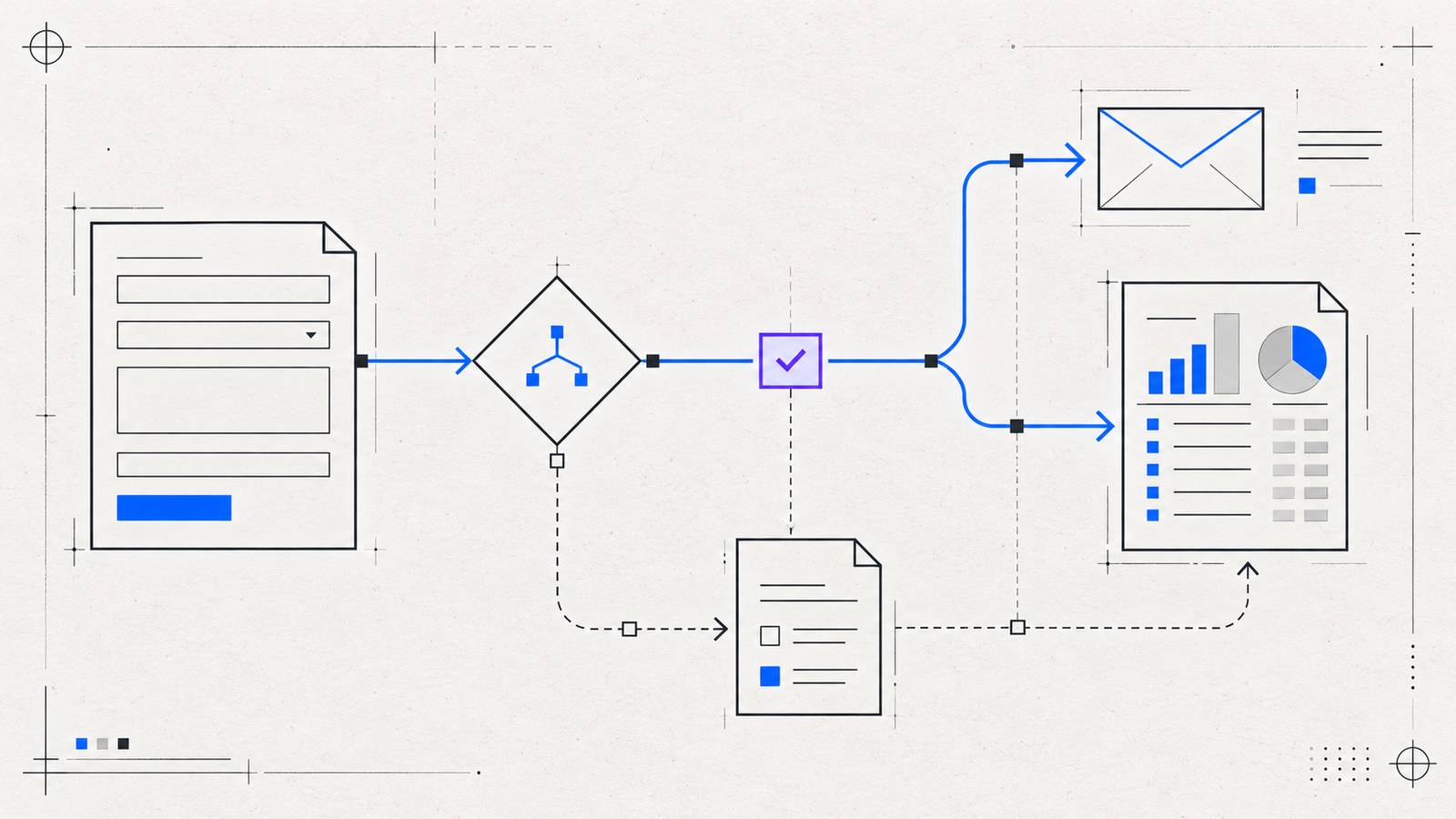
Workflow: validate the submitted fields, create a record, route by the selected service and notify the owner. If the service is unclear, an AI step can suggest a category from the message, while a person reviews uncertain cases.
Outcome: an enquiry arrives with context and an assigned next action. The customer still receives a response from a responsible person.
Use explicit form choices before interpreting free text. A customer who selected “website maintenance” has already given you reliable routing information. Read the lead routing guide for the delivery details.
Workflow two: prepare replies for review
Problem: staff repeatedly assemble similar replies from approved information.
Workflow: collect the relevant enquiry, use a maintained set of facts to draft a response and send that draft to an authorized reviewer. The reviewer checks the details and sends it.
Outcome: less time assembling the first draft, with a person controlling promises about price, availability and suitability.
Keep unsupported facts out of the source material. A draft should show missing information instead of inventing a delivery date or quoting a service price. Define which communications can use a fixed acknowledgement and which need review.
Workflow three: assemble operational reports
Problem: a recurring report requires copying information from several systems.
Workflow: retrieve approved fields through authenticated integrations, calculate totals with deterministic logic and prepare a summary. If AI is used for commentary, give the reviewer the underlying figures and flag missing data.
Outcome: a consistent starting report with less manual collection. The person responsible can verify the numbers and add business context.
Avoid asking a model to perform calculations that your reporting tools can calculate directly. Keep the data source, time period and meaning of each measure visible.
Put boundaries around the AI step
Treat customer messages and imported documents as untrusted data. Text in an enquiry should not be allowed to change the workflow’s instructions or permissions. OWASP’s prompt injection guidance describes this risk and recommends layered controls, limited privileges and human review for sensitive actions.
Give the workflow only the access it needs. Avoid unnecessary personal data, define retention and log enough to diagnose failures without copying private messages everywhere. These decisions belong in the project scope before connecting accounts.
Build a fallback and prove the benefit
Decide what happens when an API is unavailable, classification is uncertain or a notification cannot be sent. Keep a review queue and notify a named owner. Silent failure is not a useful automation outcome.
Pilot the workflow with controlled examples, including incomplete input and duplicate events. Compare total handling time and correction rate with the original process. Expand only after the first workflow behaves reliably.
KEYDIV’s AI and business automation service starts with the process and its boundaries. Read automating leads without losing the human touch, then share one repetitive task that you want to improve.