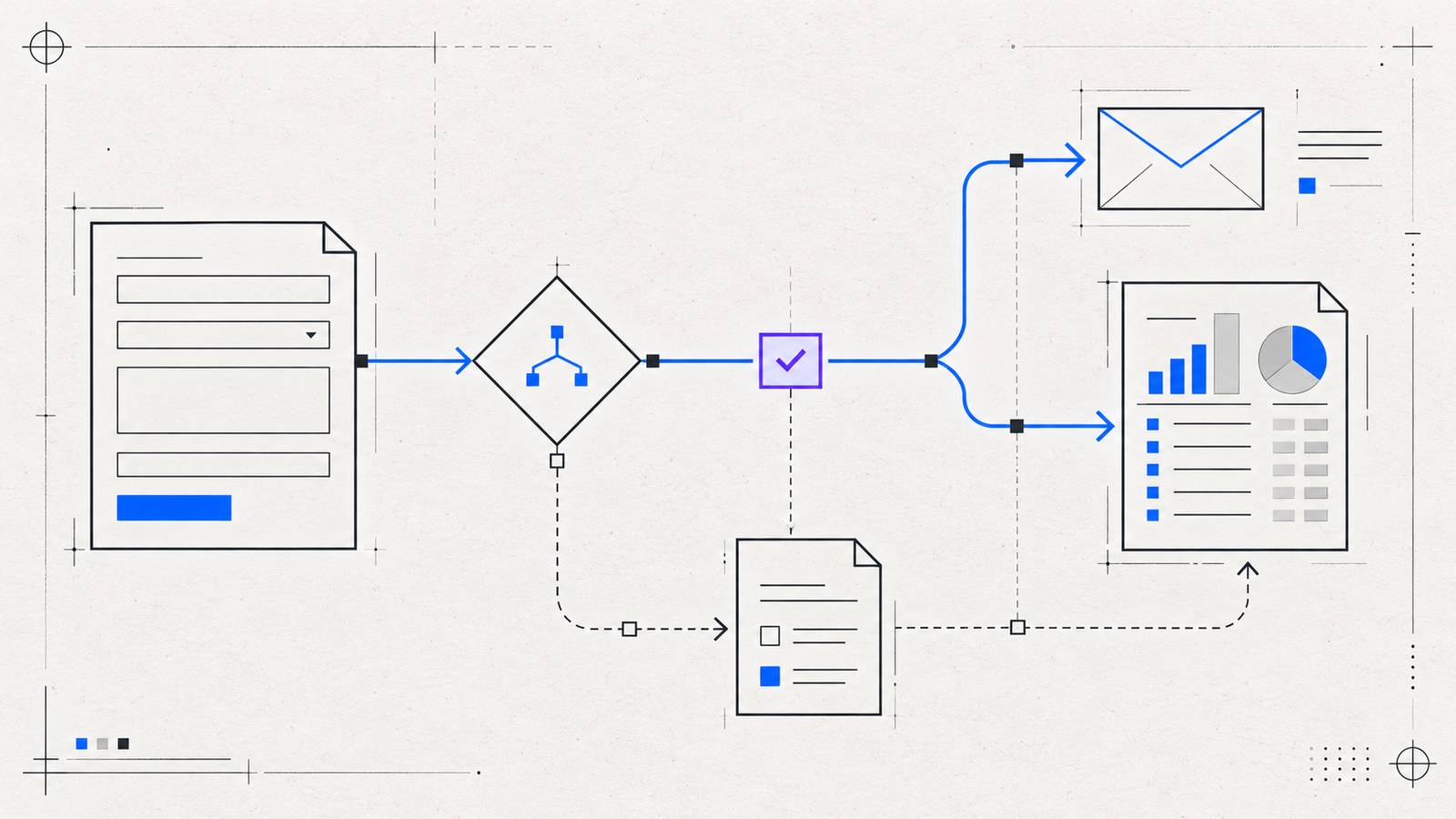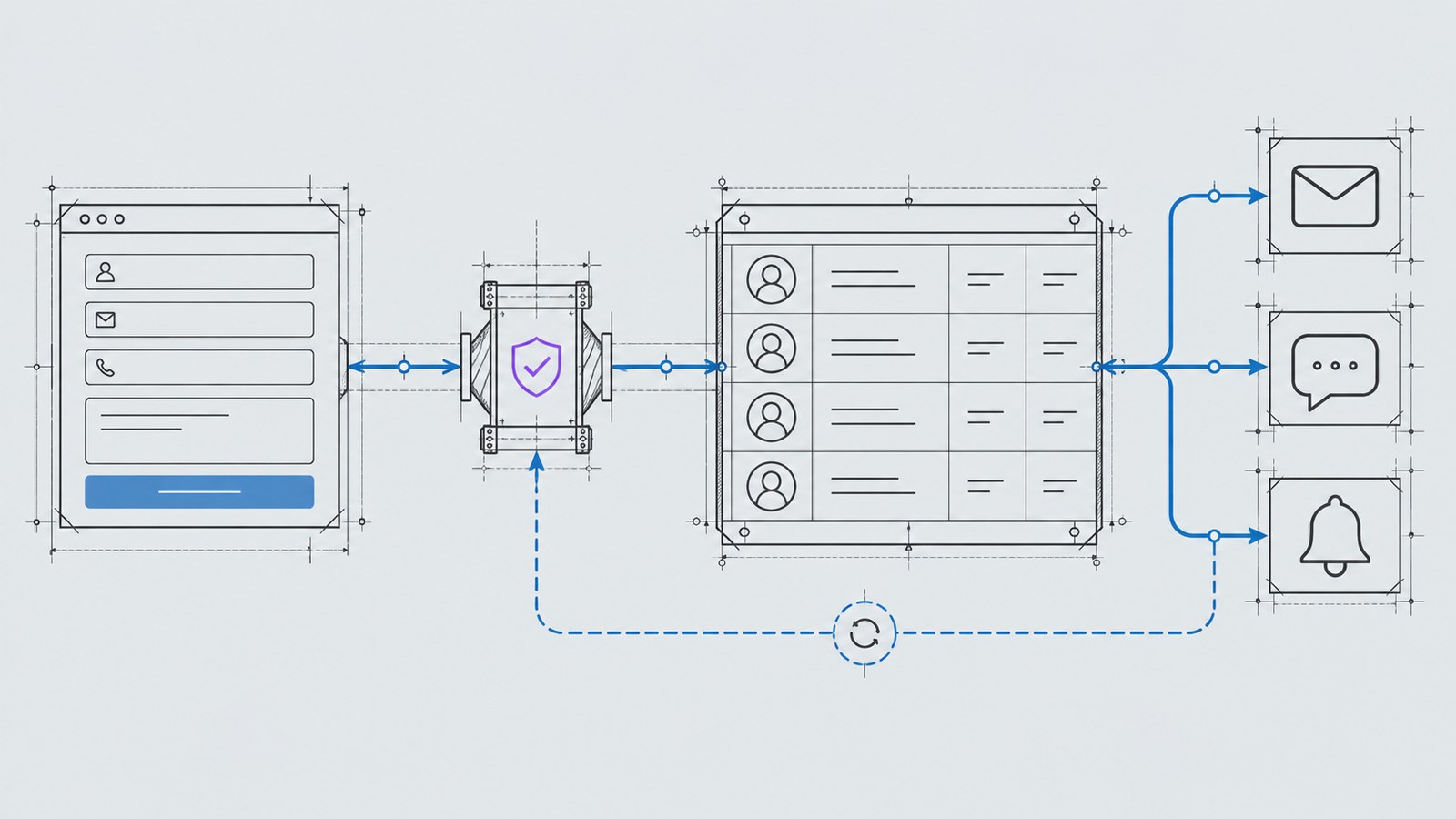
An automated acknowledgement can be helpful. An automated sequence that ignores what the customer wrote can make the business feel inattentive. The difference is whether the workflow supports a real conversation or simply sends more messages.
Start by deciding which work is administrative and which work needs judgement. Recording a lead, assigning an owner and creating a reminder are good candidates for rules. Advice, pricing and commitments often need a person.
Ask for enough context, without turning the form into an interview
Collect the information needed for the next step. A service enquiry might need a name, contact details, requested service and a short message. Ask additional questions only if the answer changes who responds or what they need to prepare.
Explain what happens after submission. Avoid claiming a response within a specific period unless the team can support it. If the business has agreed service hours, display them accurately.
Keep customer instructions intact. Someone who asks for an email reply should not automatically receive a phone call because that is the workflow’s default preference.
Acknowledge the enquiry plainly
The confirmation should say what the system knows. “Your enquiry has been received and is awaiting review” is appropriate only if it has reached a reliable acceptance point. Do not claim a booking or approved quotation when neither exists.
An acknowledgement can include a short summary, a useful contact route and the next step. Avoid repeating sensitive details unnecessarily. A customer should recognize their own enquiry without receiving an oversized copy of every field.
For the website, provide accessible success and error feedback. Preserve the visitor’s input when a request fails and allow a clear retry. A generic “something went wrong” message does little to help.
Give every lead a responsible owner
Route based on rules your team understands: service, region or availability where relevant. Give unclear enquiries a default review destination. An automation should never leave a lead unassigned simply because the customer chose an unexpected combination.
For example, a request for an online store can create a CRM record and a task for the person who handles eCommerce. If the same request mentions website support, keep that context in the record instead of silently discarding it.
The form-to-CRM routing guide describes how to make that handoff dependable.
Use reminders to support people
A follow-up reminder should tell the owner what remains to be done. Stop reminders when the enquiry has been handled or the customer declines further contact. Agree on the status changes that control those decisions.
Automated customer messages need more care than internal reminders. Use approved wording, clear triggers and an obvious route to a person. Confirm that the channel is appropriate for the enquiry rather than assuming every contact detail permits every kind of message.
If AI prepares a reply, keep it as a draft when it could introduce promises or advice. The practical AI workflow guide shows where review fits.
Design for exceptions
Test an enquiry with missing context, an invalid address, a duplicate submission and an unavailable CRM. Decide who sees each failure and how the lead can be recovered.
Distinguish recorded, assigned, notified and answered states. These are different events. An internal notification is not proof that someone has replied, and an accepted API request is not always proof of final delivery.
Use a single record as the reference point so staff do not need to piece together the conversation from several inboxes. Keep access and retained data proportionate to the workflow.
Review the experience from both sides
Ask the customer-facing team whether notifications contain the right context. Walk through the customer experience to check the tone and timing. Measure handoff failures and handling time before promising improved results.
Business automation at KEYDIV can connect the administrative steps around the conversation. Share your current enquiry process, including the point where leads get delayed or lose context, and start there.