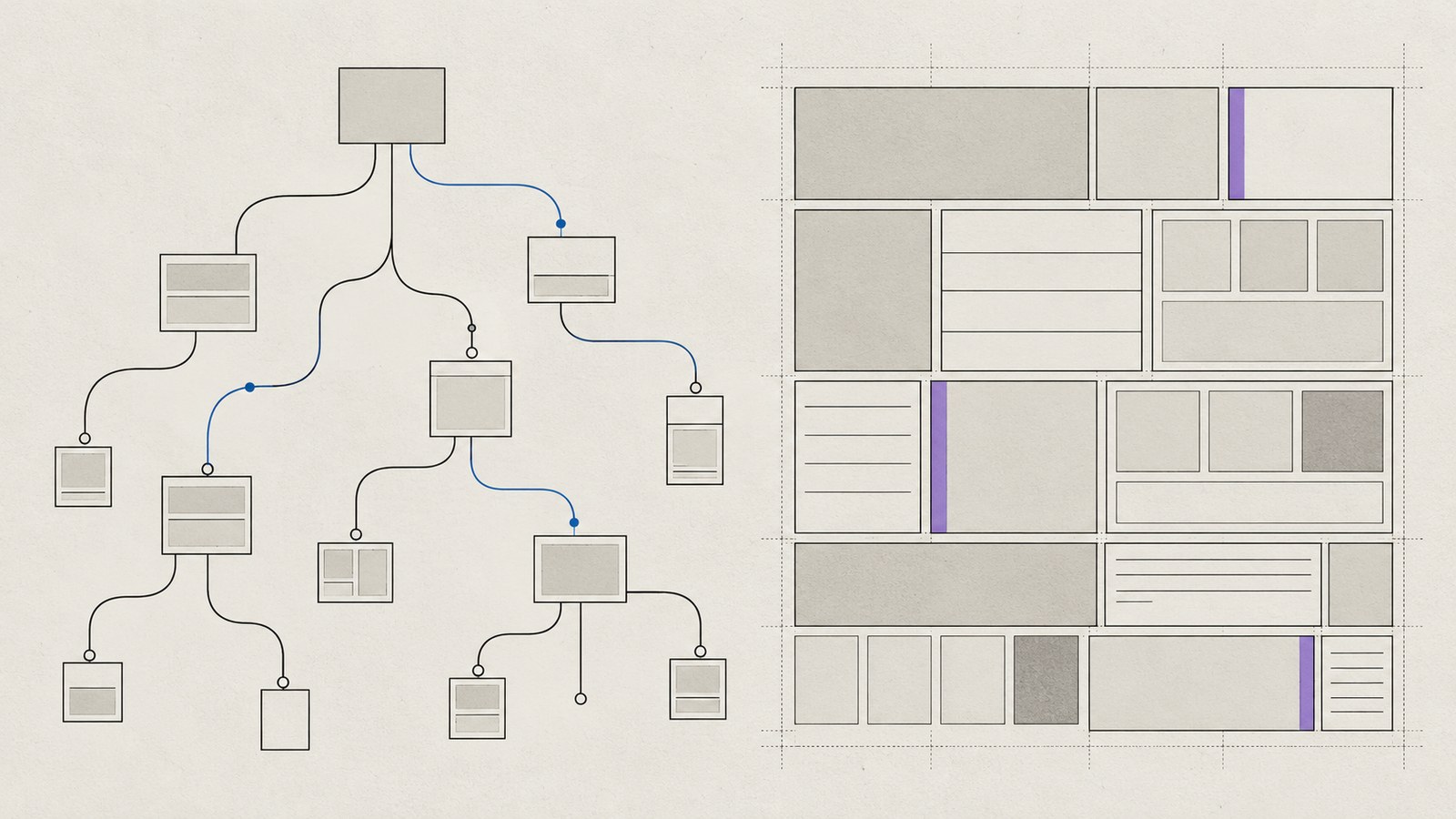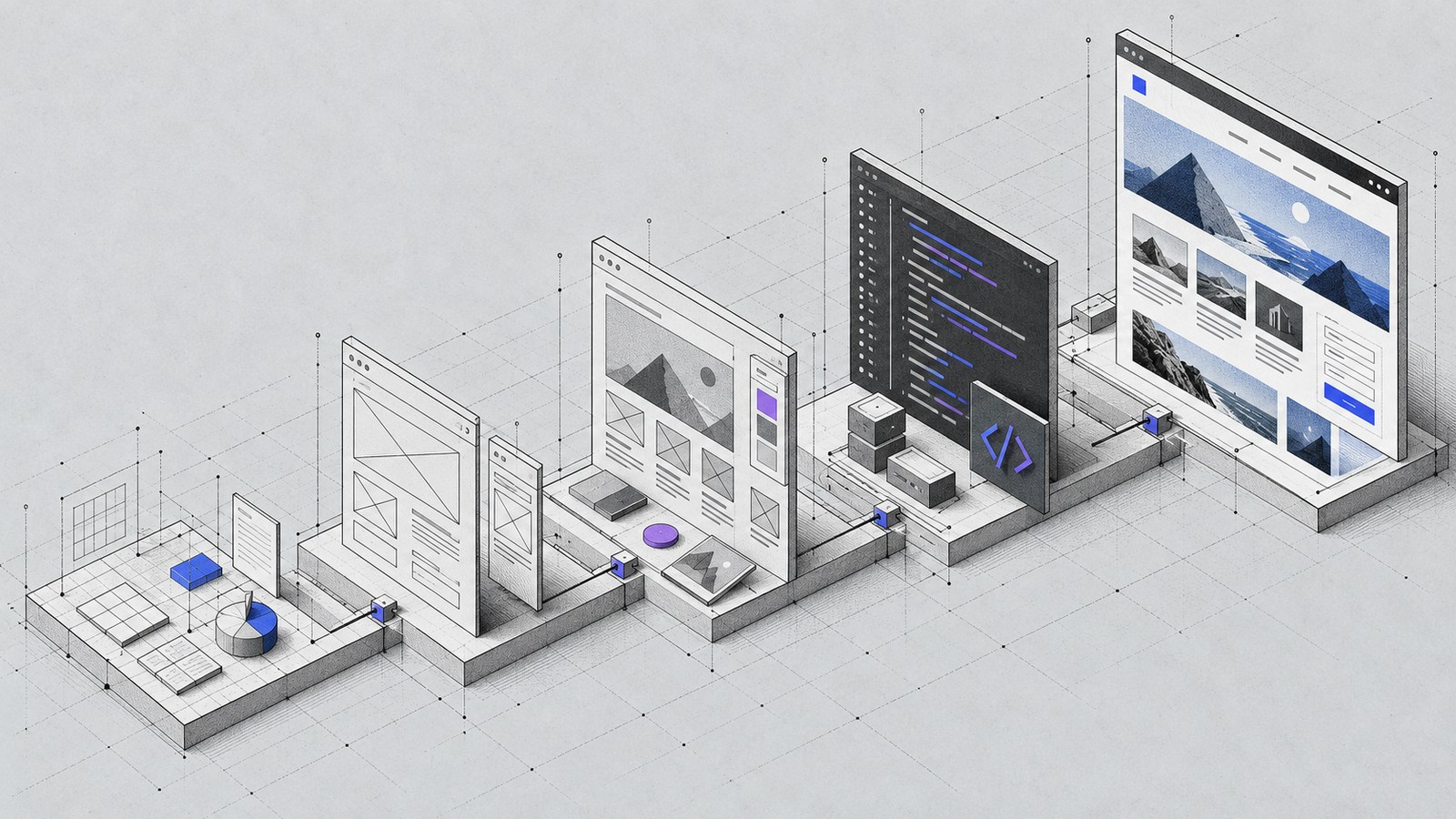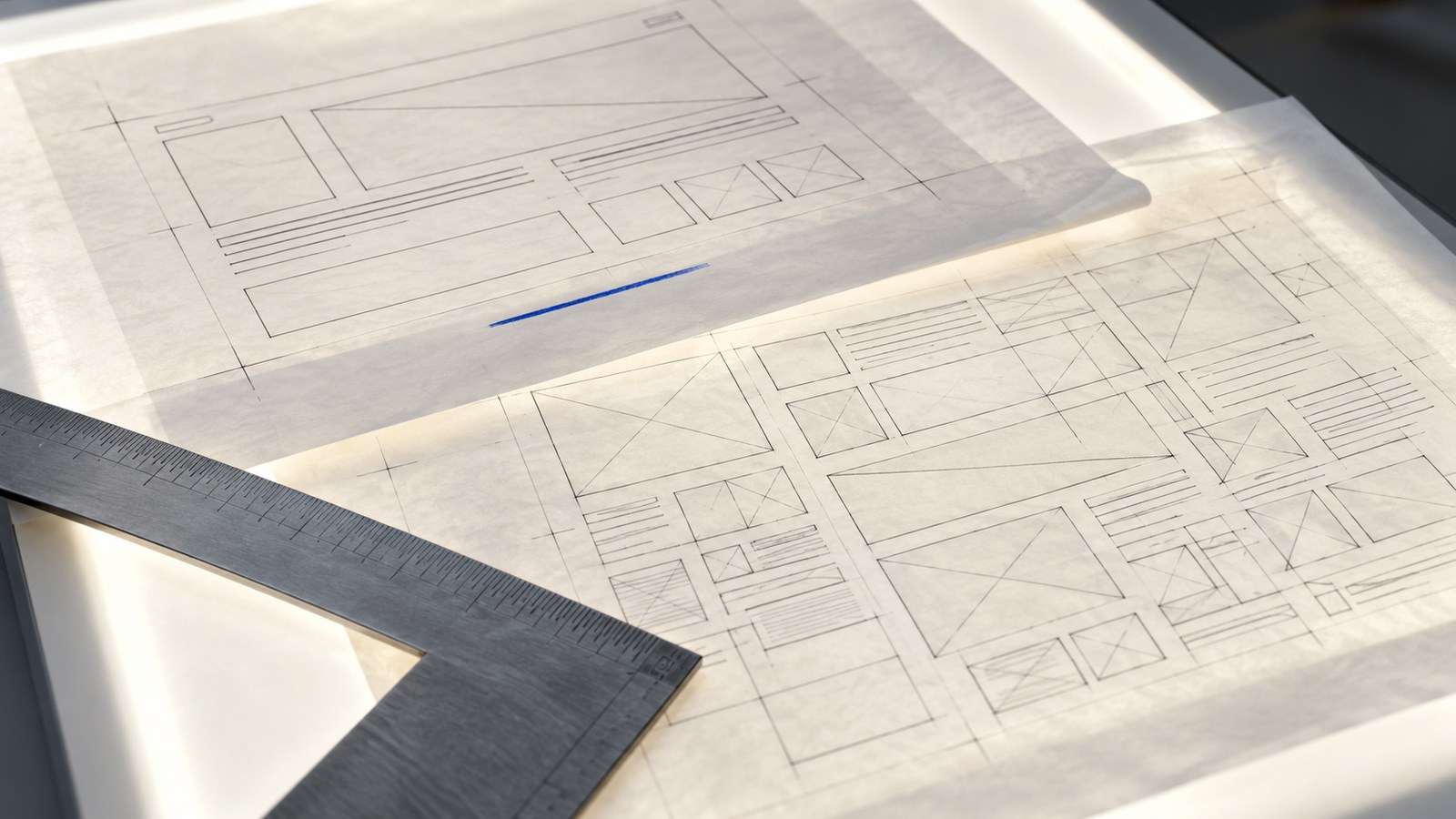
Before redesigning a website, make a list of the problems you can actually observe. “It feels old” is a starting impression. “Visitors cannot find the right service, the menu fails on mobile and enquiries arrive without enough context” is a brief you can act on.
A redesign should improve the business and visitor experience while protecting useful content and working systems. Use this checklist to prepare that work.
Define the main visitor tasks
Write down the three most important things a visitor should be able to do. For a local service company, that might be checking coverage, understanding a service and requesting an estimate. For a shop, it might be finding a suitable product, checking delivery and buying.
Walk through each task on a phone. Record confusing labels, missing information, dead ends and form problems. Use these observations to establish priorities rather than beginning with a list of visual trends.
Inventory the existing content
Create a spreadsheet with one row per page. Include its URL, purpose, owner and proposed action: keep, improve, combine or retire. Mark content that is still accurate and content that needs the business owner’s confirmation.
Collect the original logo, photography, downloadable files and product information. Check usage rights rather than copying assets from another website. Record approved testimonials and their sources; missing proof should stay missing until verified.
For every proposed page, write a one-sentence purpose. If two pages serve the same purpose with the same content, consider whether they should be combined.
Protect useful URLs and search visibility
Export the current sitemap and identify pages with traffic or links where account data is available. Keep valuable URLs when possible. When a URL must change, map the old page to the closest relevant new destination.
Google’s site migration guidance recommends preparing a URL mapping and using permanent server-side redirects for moved pages. Test each redirect directly; avoid chains and broad redirects to an unrelated homepage.
Record current titles, descriptions, canonical URLs and important headings. A new design should not accidentally erase the page’s useful subject or make the production site permanently noindex.
List integrations and access owners
An attractive rebuild can fail if the form stops reaching the right inbox. List every form, booking tool, payment system, CRM connection and analytics configuration. Record what data it sends and who owns the account.
For example, a contact form may create a CRM record and notify a sales inbox. Both outcomes need checking. A visible success message alone does not prove that the destination received the enquiry.
Keep secrets and private endpoints in server-side configuration. Plan controlled testing with dummy data; do not send customer information through an unapproved new integration.
Set the content and editing workflow
Decide who edits pages, who approves changes and how often publishing happens. This affects the platform decision, templates and handoff. Compare Astro and WordPress against the actual workflow.
Also define responsibilities for image preparation, accessibility, backups and ongoing support. A website needs an owner after launch, even when the public pages are static.
Agree on launch checks before development
Include these checks in the project scope:
- Every important route works and the missing-page route returns a real 404.
- Forms have labels, helpful validation and a checked delivery path.
- Mobile navigation and primary actions work with keyboard and touch.
- Metadata, canonicals, sitemap and indexing behavior match production.
- Existing moved URLs redirect once to their relevant replacements.
- The site remains readable with reduced motion and slow resource loading.
The SEO launch checklist expands the technical checks. Keep a rollback plan and a named person for launch decisions.
Turn the checklist into a focused brief
Your brief should contain goals, required pages, retained URLs, content responsibilities, integrations and acceptance checks. That is enough to make a useful first conversation about website design and development.
Do not rebuild a healthy system solely because another platform is fashionable. Fix smaller problems first when they solve the real need. If the issues are structural, share the audit and your priorities with KEYDIV so the rebuild can address them deliberately.