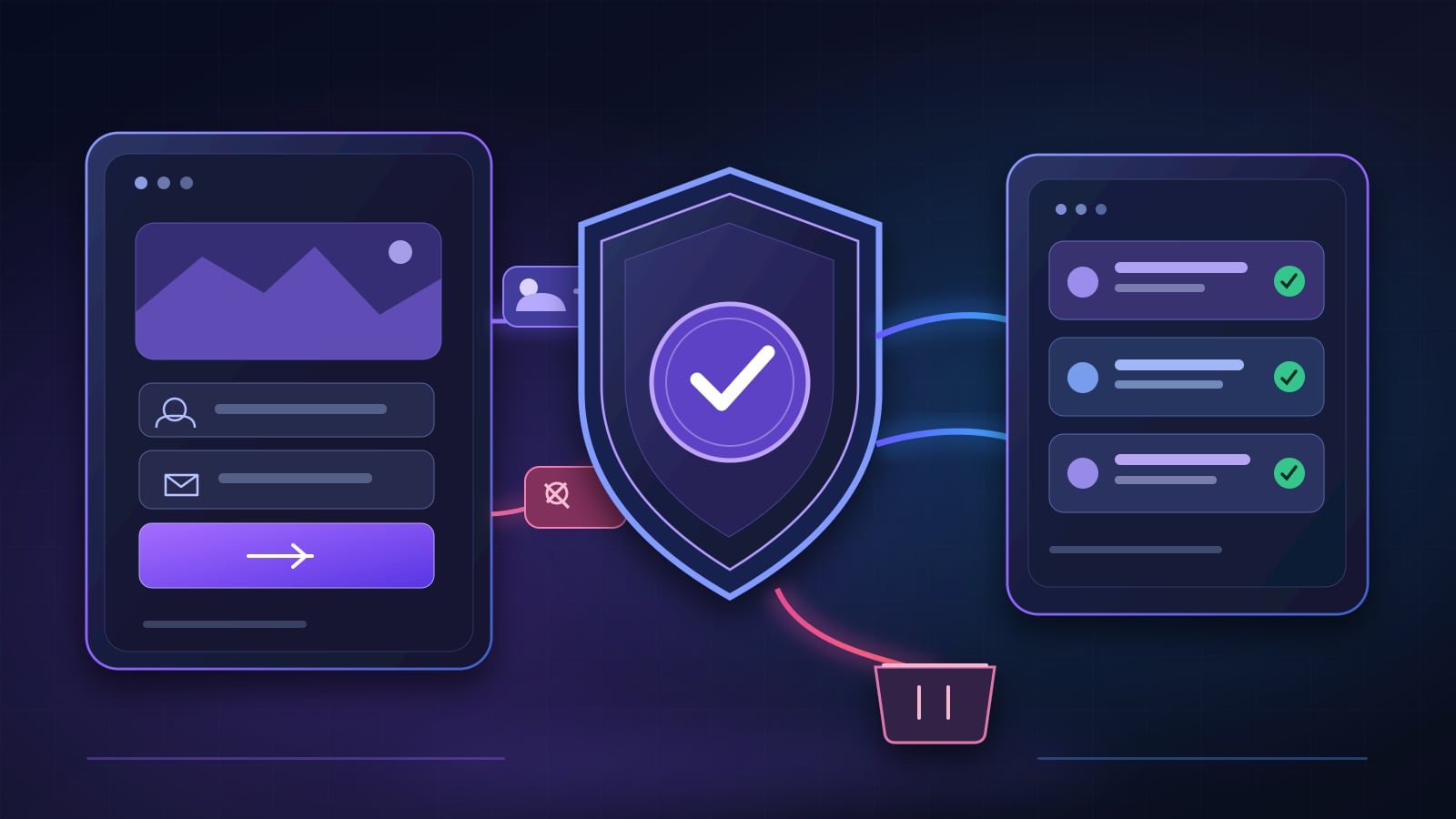
To stop contact form spam, protect the server endpoint—not just the form visitors see. Validate input, add a hidden bot trap, limit abusive request rates, verify any challenge on the server, and give uncertain enquiries a review path. Then separate spam prevention from lead qualification: an out-of-area customer is not necessarily a bot.
A business can install a CAPTCHA and still receive poor-quality enquiries. Another business can tighten its filters so aggressively that legitimate customers never reach the inbox. The aim is not a perfect-looking spam counter. It is a dependable enquiry process that makes it easier to contact real people.
Below is a practical, layered approach, with an interactive screening example you can try using fictional data.
First, identify which problem you actually have
Not every unwanted submission is the same:
| What arrives | Likely problem | First response |
|---|---|---|
| Repeated identical messages, links or machine-like bursts | Automated spam | Rate limits, honeypots and challenge verification |
| A believable enquiry for an unavailable service or location | Unqualified lead | Service and area rules, followed by review |
| A real customer whose enquiry never reaches your team | Delivery failure | Endpoint, queue, email and CRM delivery checks |
| Multiple copies of the same genuine request | Duplicate handling | Submission identity and idempotent processing |
Why this matters: blocking a bot, routing a low-fit enquiry and repairing a notification failure require different fixes. Start with a handful of examples from your own form logs, with personal details removed, before installing another plugin.
Use layered protection, not one CAPTCHA
1. Validate the form on the server
Browser validation makes forms easier to fill in, but it does not secure the receiving endpoint. Anyone can send an HTTP request without opening your page.
Your receiving service should check the request method and content type; body size; known field names; required values; email format; allowed string lengths; and sensible limits on repeated values. Do not trust a hidden field to choose an email recipient, webhook URL or internal project identifier.
For a typical service enquiry, accept only the information needed to respond: name, contact method, requested service and message. Optional tracking metadata should be separate from the customer’s words. The OWASP Input Validation Cheat Sheet explains why validation must happen at a trusted boundary.
2. Add a honeypot, but keep it accessible
A honeypot is a field genuine visitors are not expected to fill. Some simple bots populate every input, revealing themselves. It is inexpensive and unobtrusive, but sophisticated bots can avoid it.
A well-designed honeypot must not confuse keyboard or screen-reader users. Do not label a genuinely important input as a trap, and do not reject somebody solely because they completed the form unusually quickly. Password managers, browser autofill and assistive technology can produce fast submissions.
3. Limit abusive request rates
Apply rate limits to the submission endpoint, not just the visible page. Choose thresholds based on realistic traffic and monitor how often they block legitimate requests. Shared networks can place many real customers behind one IP address, so use more context than an IP alone where appropriate.
Return a clear error or retry message for an excessive request rather than silently losing the enquiry. Configure limits at the server, edge or API gateway where attackers cannot bypass them with a direct POST.
4. Verify a bot challenge on the server
If a site needs additional bot protection, Cloudflare Turnstile is one option. Its browser widget produces a token, but displaying the widget does not validate a submission. The server must send the token to Cloudflare’s Siteverify API and reject a failed verification.
Cloudflare documents that Turnstile tokens are short-lived and single-use, so your form also needs a useful way to retry when a token expires. See Cloudflare’s server-side validation instructions.
Challenges can reduce automated submissions, but they cannot tell whether a real person actually wants your service. That is the next layer.
Qualify the enquiry before notifying everyone
Ask questions that change what your team should do. For a roofing business, that may mean service type, postcode or service area, and urgency. For a consultant, it may mean project scope and preferred next step. Avoid turning the contact form into an exhausting questionnaire.
Here is an illustrative rule set, not a claim about any particular client’s results:
| Example enquiry | Suggested handling | Why |
|---|---|---|
| Roof repair inside the service area, with contact details | Route to the roofing team | Fits the business’s scope |
| Roof replacement outside the service area | Review separately | Real person, but possibly not serviceable |
| Repeated link-heavy message with inconsistent fields | Hold for spam review | Suspicious pattern merits a second check |
| Existing customer asking about a current job | Send to support or an account owner | Not a new sales lead |
| Missing service information but valid contact details | Ask for clarification | Uncertain does not mean spam |
Keep a manual review route for borderline cases. Do not delete uncertain enquiries automatically if your team needs to recover genuine messages.
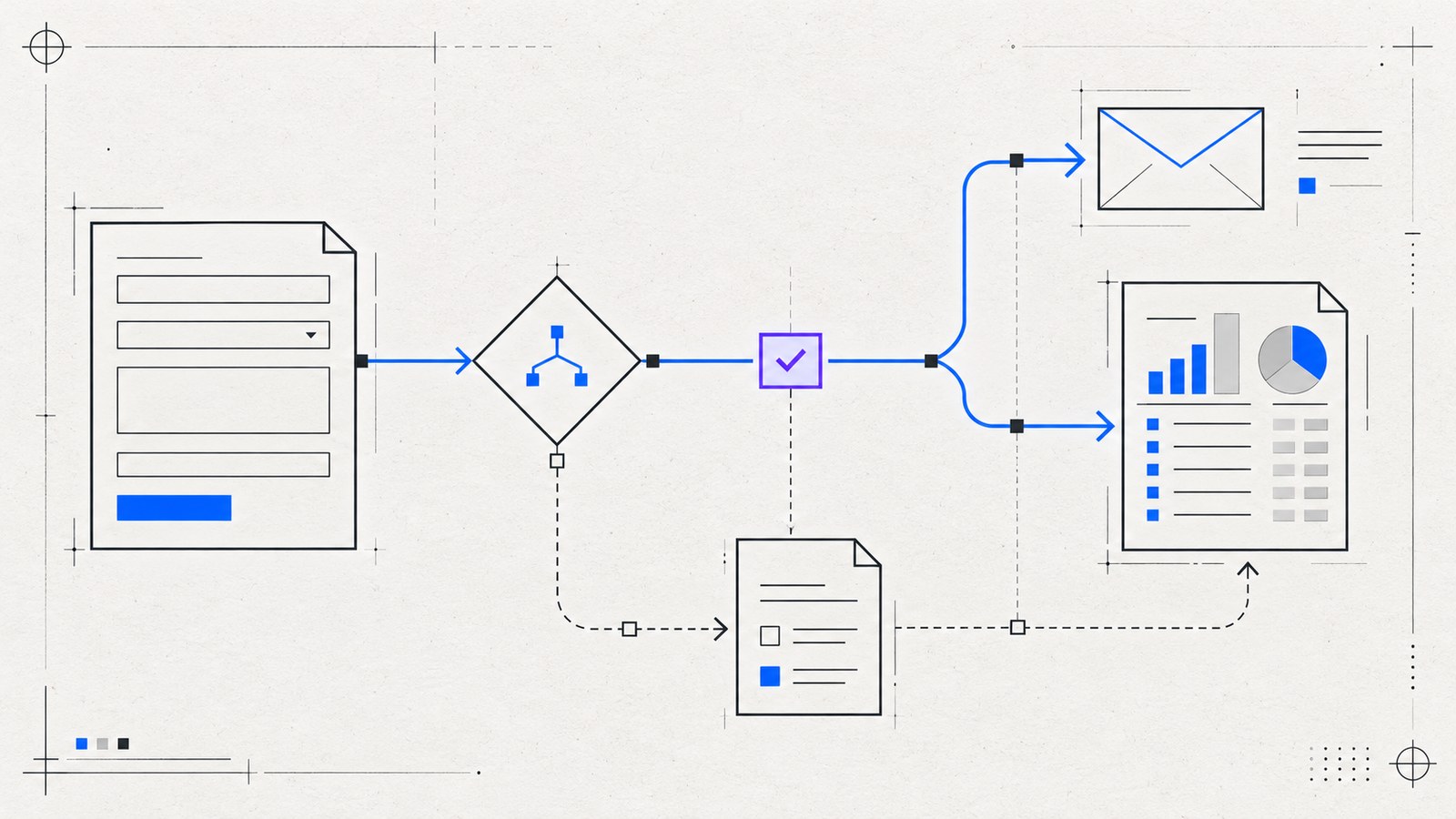
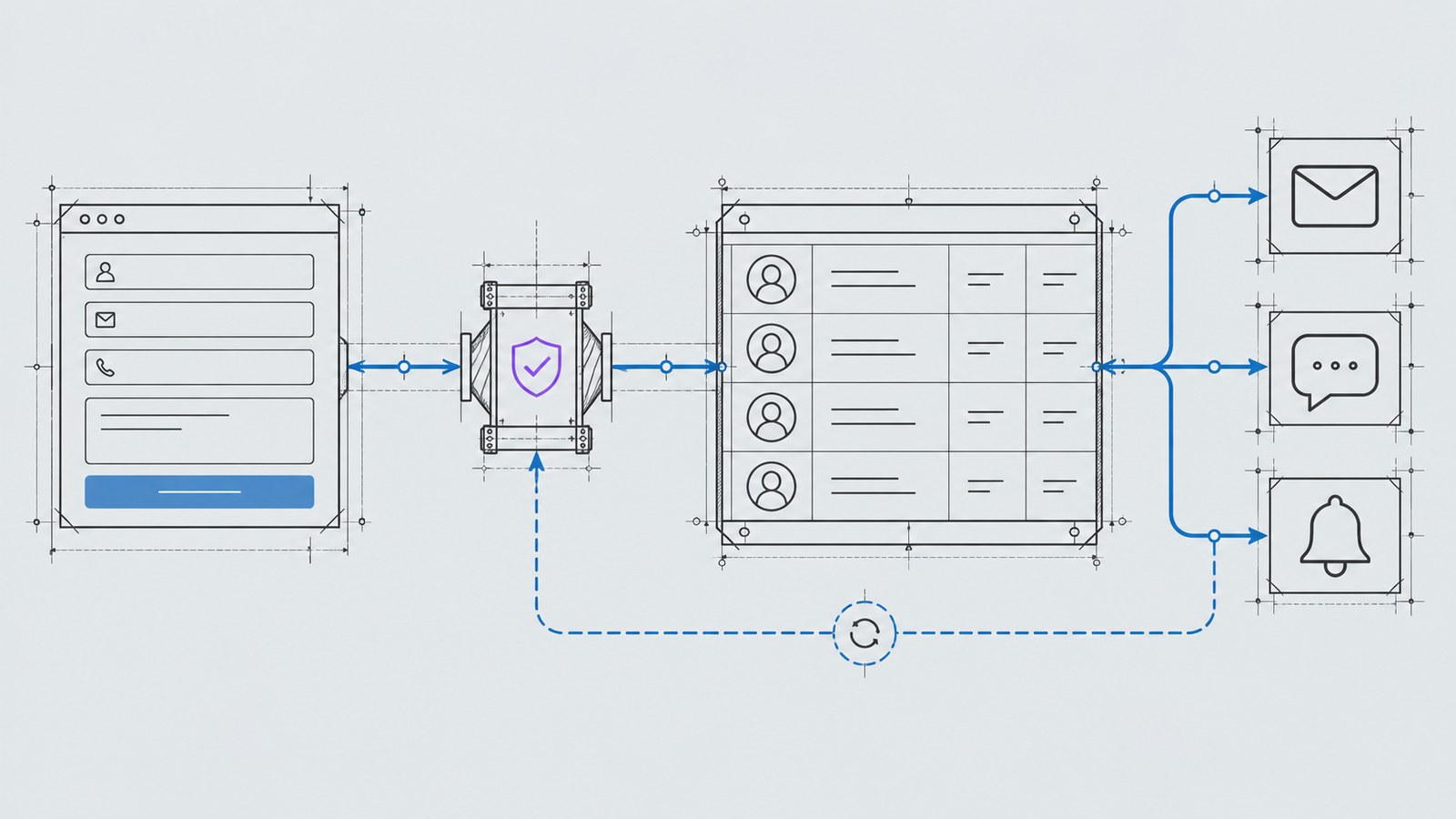
A practical enquiry flow, from submission to alert
The workflow can be kept simple:
- Receive: The visitor sends a form to a protected HTTPS endpoint.
- Validate: The server checks the allowed schema, size, anti-bot signals and rate limit.
- Classify: Rules check requested service, location and other business-specific criteria.
- Record: Store the appropriate fields and a processing status in an approved location.
- Route: Send relevant enquiries to the right inbox, messaging channel or CRM.
- Recover: Log delivery failures safely, retry where appropriate and give someone responsibility for unresolved cases.
A form success message should reflect what actually succeeded. “We received your enquiry” should not be shown if the endpoint rejected it. Likewise, successful delivery to a gateway is not proof that a salesperson replied.
At KEYDIV I use a central gateway pattern to separate public website forms from private delivery settings. The site sends a restricted set of fields; the private gateway decides the configured recipient or automation route. This reduces the need to place integration secrets in website code.
For the next steps after acceptance, read Website Lead Routing: From Form Submission to CRM and Notifications.
Try a simple lead-screening demonstration
The interactive example below lets you change three fictional inputs: enquiry pattern, requested service and location.
It will show one of three possible outcomes: route to sales, hold for review or screen as suspected spam. The decisions are illustrative. The demo does not send information to the live KEYDIV gateway, create a CRM record or claim a measured spam-reduction rate.
Use it to decide which rules your own website needs before implementing an automation.
WordPress or Astro: where should these protections live?
For WordPress, inspect your existing form plugin before adding another security plugin. Check which checks run server-side, whether challenge tokens are verified, and how failed email delivery is reported. A plugin’s “sent” status does not always mean a message reached the intended inbox.
For an Astro or other static website, the page may be static while the submission endpoint runs on a separate server or edge Worker. This is a useful split: a lightweight visitor experience, with secrets, validation and delivery handled outside the browser.
Neither platform removes the need for testing. The guide to automating website leads without losing the human touch explains why ownership and clear follow-up remain important.
Test the cases that often get missed
Before treating the setup as complete, use clearly labelled test data to verify:
- A genuine enquiry within the service area reaches the expected recipient.
- A suspicious submission is handled according to policy, without being silently mixed into sales alerts.
- A real enquiry outside your service area enters the intended review path.
- Missing fields, oversized messages and disallowed values return usable error messages.
- Double-clicking submit or retrying a timed-out request does not create uncontrolled duplicate records.
- The CRM, webhook or email destination being unavailable produces an observable failure and recovery path.
- The form works with a keyboard, on a mobile device and with slower connections.
Measure qualified enquiries received, false positives, delivery failures and time to first human response. A reduction in total form submissions is not automatically a business improvement.
Keep records useful without creating new privacy problems
Collect only what you need. Restrict access to stored enquiries, set a sensible retention policy, and avoid copying sensitive details into every notification channel. Bot indicators are imperfect; use a way to review and restore mistaken classifications.
If you operate in markets with privacy regulations, make sure the form notice, storage, processors and messaging channels are appropriate to your business. This is an operational consideration, not a substitute for legal advice.
What should you fix first?
If the inbox is full of repeated bot messages, begin with server-side validation, honeypots and rate limits. If the messages come from real people requesting the wrong thing, add service and area qualification. If good enquiries go missing, prioritize delivery monitoring and recovery before adding stricter spam filters.
Need this built for your website? Explore KEYDIV’s Custom Lead Qualification System to see how rules, lead records and qualified notifications can be configured around your existing process. You can also share your current form and its main problem to start with a practical review.
INTERACTIVE EXAMPLE · NO REAL LEADS
See how a lead can be screened
Change the sample enquiry details. This example shows a possible handling rule without contacting KEYDIV, a CRM or a real business.
Illustrative rules only. Real systems need business-specific thresholds, false-positive review and monitored delivery; this demonstration does not classify actual people.